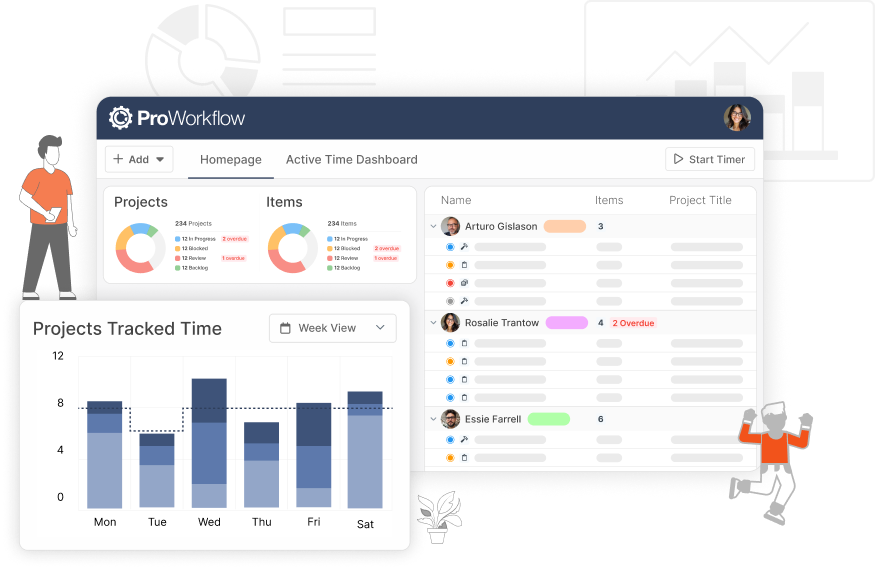
We get it, change can be hard. Yours truly hated when her phone updated and moved her search bar from the top of her web browser to the bottom. But change can be good! Many a new product and innovation have made our day to day lives, including you reading this blog, possible.
Things have changed a lot at ProWorkflow since we first introduced ProWorkflow Nexus to you in May 2025. Nexus is more powerful than ever and now is a great time to switch to using it! Switching to Nexus is easy, and it doesn’t involve any additional cost to you; you can upgrade to Nexus under your current ProWorkflow subscription. We’re not trying to upsell you, we just truly believe in Nexus as a product and know that it provides our customers with a more powerful project management tool. To get started just reach out to support at [email protected].
We switched to using Nexus last year ourselves for our internal work, from marketing, to documentation, to account management, to development – we do it all out of ProWorkflow Nexus! Using Nexus daily helps us know where we need to optimize it for the most effective use.
With all of that in mind, we’ve put together this list of top reasons to migrate from ProWorkflow Classic to ProWorkflow Nexus:
Advanced Financial Tools
Do you want to track internal costs, work against an estimate you’ve given to a client, get help calculating what you should be charging, or predict profits and margins? Nexus’ advanced financial tools can do all of that and more! This is particularly useful for any accounts with the need to track financials or invoice their clients.

Complete Customizability
While ProWorkflow Classic was good at tracking time against time-based tasks, it didn’t let you customize your workflow or your set up very much, and it was limited in the kind of work you could track. In Nexus we’ve strived for as much customizability as possible, to suite every workflow and industry! Change the types of items you use (and even their icons!) – do you do more than just track time against labor? Create materials, expenses, matlabs (which track both material and labor), and labor tasks for any kind of work you need to do. Customize your Work Stages to easily indicate the state your work is in. Use tags and categories to indicate other aspects of your work. Use our highly customizable advanced filters and views system to narrow down the work you choose to look at, choose the columns that are relevant to your workflow, and even set your default views. All this and much much more! And don’t get overwhelmed – our dedicated support team is here to help you through any question about any aspect of ProWorkflow Nexus, just flick us an email at [email protected].

The Most Powerful and Performant API on the Market
The Nexus API is a cutting-edge tool for making and managing API calls. Our Developers have built a new and improved API that fits the expanded functionality of Nexus. Our market leading API is the most comprehensive Rest API on the market. Our complete API documentation center guides you every step of the way, through our comprehensive reference guide with interactive tools to test out calls, to our migration guide detailing how to move existing Classic API calls to the Nexus API, to our example API scripts and tools. We’ve also introduced a Model Context Protocol server exposing ProWorkflow’s core resources as callable tools for connection to AI assistants. Every connection and custom integration you can imagine, you can build with the Nexus API! It’s also available as a native connection in Zapier.

Enhanced Project Requests, Creation, and Updates with the Custom Form Builder
The Custom Form Builder is a powerful tool that allows you to create completely customizable forms, which can automatically have an impact on the setup of your Project. There are three categories of forms that you can create in ProWorkflow: Project Request Forms, which allow you to use Custom Forms to capture Project Request information which can then be declined, or approved and turned into a project; Project Intake Forms, which automatically creates a project based on the input in the form; and Project Capture Forms which can be used to capture data on an existing project.
Project Request Forms allow you to have Clients (or Staff members if you are on the Advanced plan and have Internal projects enabled) input responses to a form and create a request for a project, which you can then choose to approve and turn in to a project. While Classic allowed you to do that at a very basic level, Nexus allows you to use our Custom Form Builder to create more detailed and interactive request forms, which can even pre-determine aspects of the project created from their approval, or require certain responses to be submitted.
Brand new to Nexus is another type of Custom Forms: Project Intake Forms! When someone submits an Intake Form, ProWorkflow automatically creates a project pre-filled with all the right details — title, due date, team members, priority, files, and more, depending on how you set up the form.
Also brand new to Nexus are Project Capture Forms, which utilize the powerful Custom Form Builder to allow you to capture data and updates on an existing project. Have your Staff complete health and safety checklists, fill out field survey forms, capture client update requests, and more!

Manage Staff More Effectively with Staff Scheduling
Coming very soon to Nexus is our powerful Staff Scheduling tool: this will allow you to schedule your Staff’s workload, distribute hours, reassign work where necessary, and even change allocations on Items. You’ll be able to tell at-a-glance who should be working on what on any given day or week, and easily manage workloads to ensure the right work is getting prioritized. We anticipate this being released very shortly, and will post about it further as soon as it’s ready.

Granular Timesheet Approval
The powerful Nexus Timesheet page contains all of the existing timesheet approval and locking mechanisms you enjoyed in Classic, but with more control and more management features! Nexus Timesheet Approval also allows you to manage time logs directly on the review screen. You can adjust the rate of the time log, change the amount of time or the time and date it was logged on, split the time log between multiple entries, or delete it entirely.
This allows you to more easily and effectively manage your staff’s work. Locking days prevents staff from making additional time entries after payroll has already been processed. Requiring your staff to submit their timesheet for review means you can also more easily ensure that all work is logged for a time period before you start invoicing your clients. Editing or splitting time logs means that you have a finer control over what is invoiced when.
Please see our help article here for more information on using Timesheet Approval.

Get These Features By Upgrading to ProWorkflow Nexus Today!
Whether you are an existing Classic customer who is looking to convert to Nexus, or you’re a new prospective client who wants to start a subscription with us, you can start using Nexus today to take advantage of these exciting new features. Existing clients please reach out to our Support team at [email protected] to get Nexus enabled for your account and start the migration process. New clients please start a trial account or contact our Sales team at [email protected].