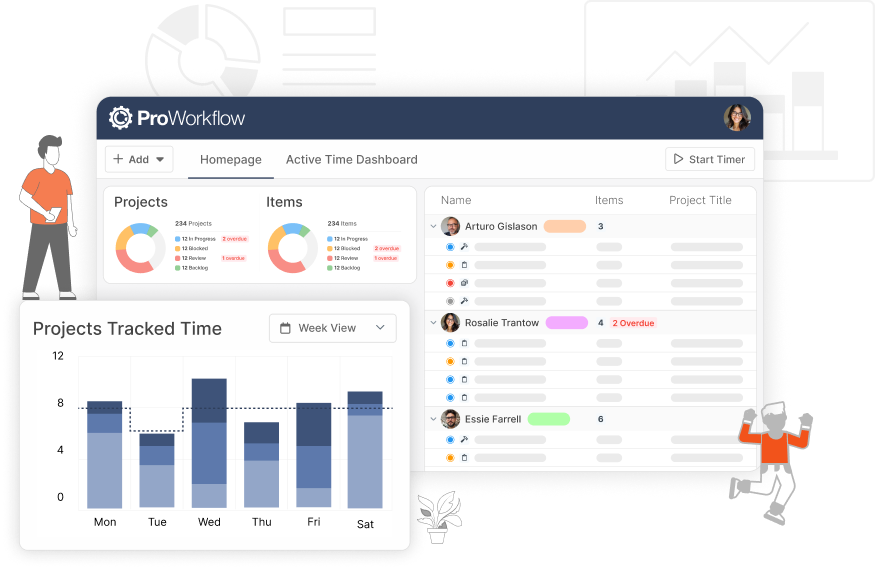
First we introduced you to our Custom Form Builder alongside our new Project Intake Forms. Then we added Project Requests to Nexus alongside the new and more powerful Custom Project Requests. Now the third way to use the Custom Form Builder is live and available to you: Project Capture Forms!
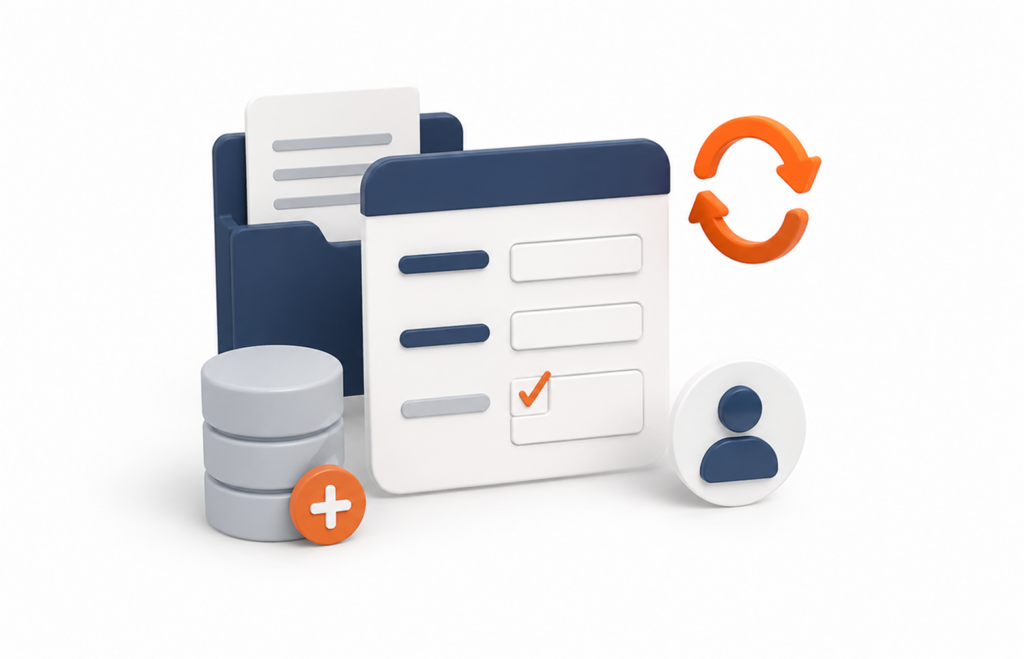
Project Capture Forms are a powerful way to use our Custom Forms to capture data on existing Projects. Use Capture Forms to have your Staff complete health and safety checklists, fill out field survey forms, capture client update requests, and more!
Capture Forms (and all types of Custom Forms) are a feature of our Advanced Plan. If you’re on our Professional Plan, and would like to talk to us about upgrading to the Advanced Plan, please reach out to our Support team at [email protected].
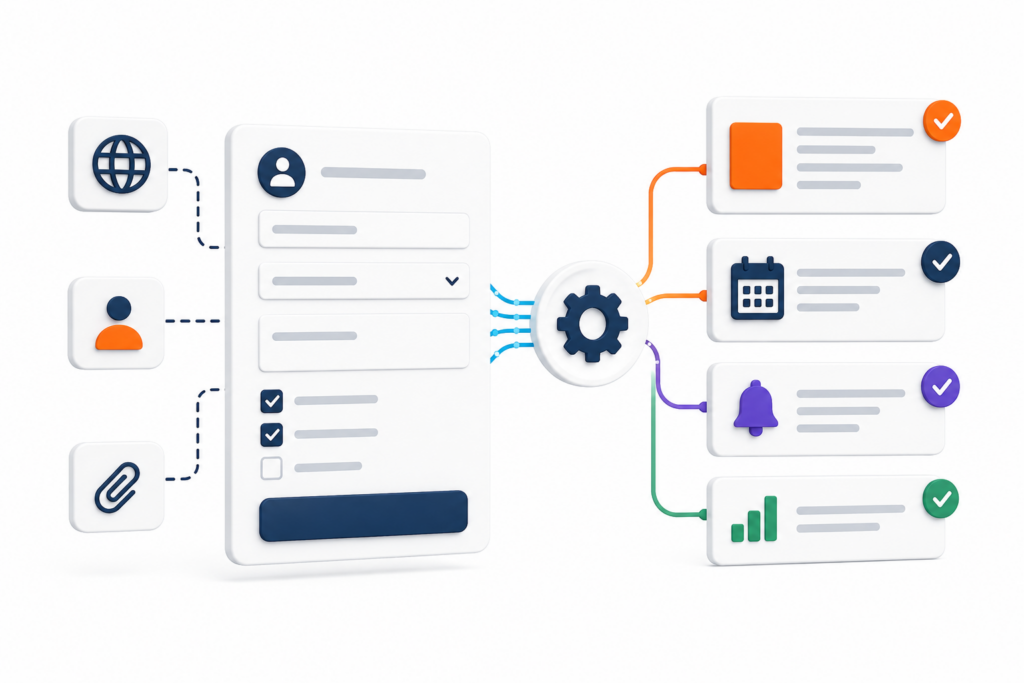
Key benefits of Capture Forms:
- Access control (in app or external; restrict for certain users only or restrict per user type (Staff or Clients)
- Upload important documents & files
- Set required fields or skip sections/pages
- Capture static responses, or choose to set responses to trigger updates to the Project
- Easily create complex workflows via drag/drop interface
- Update existing Projects
- Capture key information on Projects as you work
Read the Full Guide
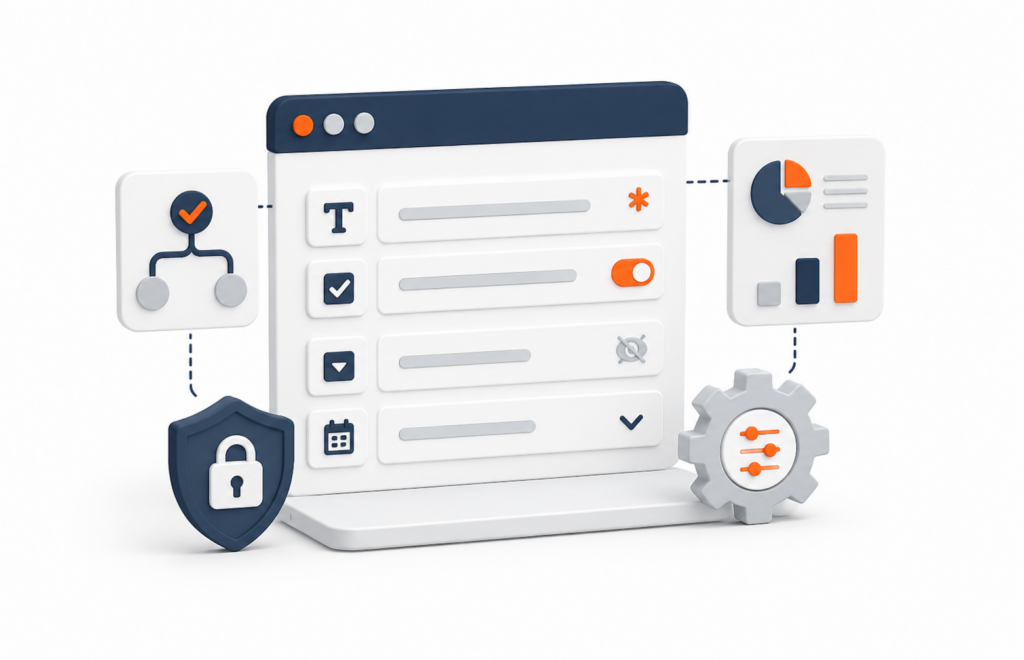
For more detailed steps on how to create a custom form, and the elements available to use in those forms, please see our help article on the Custom Form Builder. For our guide to submitting and managing Project Capture Forms, please see this article.
Sign Up To ProWorkflow Nexus Today to Add Project Capture Forms to Your Workflow!
Whether you are an existing Classic customer who is looking to convert to Nexus, or you’re a new prospective client who wants to start a subscription with us, you can start using Nexus today to take advantage of this exciting new feature. Existing clients please reach out to our Support team at [email protected] to get Nexus enabled for your account and start the migration process. New clients please start a trial account or contact our Sales team at [email protected].