If you price by the hour, your charge-out rate decides whether every project makes money. Set it too low and you can be fully booked and still lose money.
Here’s how to work out the rate you actually need, step by step, with real numbers.
The quick answer
Charge-out rate = cost per billable hour ÷ (1 − target margin)
If a billable hour costs you $66.57 and you want a 25% margin, you need to charge $66.57 ÷ 0.75 = $88.76 an hour.
The hard part is knowing your real cost per billable hour. That’s what the rest of this guide covers. Want the answer straight away? Try our free charge-out rate calculator.
Cost rate vs charge rate
- Cost rate: what 1 billable hour costs your business. It covers wages and a fair share of everything else: rent, software, equipment, training, admin and management time.
- Charge rate (charge-out rate): what your client pays for that hour.
Your profit is the gap between the two. Most businesses know their charge rate. Far fewer know their cost rate, which is why so many under-price.
Step 1: Add up your total running costs
Take a full year of costs, including:
- All wages and salaries, plus KiwiSaver, ACC or super, and other on-costs
- Rent and utilities
- Software and subscriptions
- Equipment and IT
- Insurance, accounting and legal
- Training, recruitment and marketing
Your profit and loss statement is the best starting point. Our example consultancy spends $900,000 a year.
Step 2: Work out the hours your team works
A full-time employee works about 40 hours × 52 weeks = 2,080 hours a year. With 10 staff, that’s 20,800 hours.
So every hour worked costs $900,000 ÷ 20,800 = $43.27.
Step 3: Account for the hours you can’t bill
Nobody bills 100% of their time. Admin, meetings, sales, training, leave and public holidays all take a share.
If your team bills about 65% of their hours, the billable hours have to cover the rest. Your real cost per billable hour is $43.27 ÷ 0.65 = $66.57.
This is your cost rate. Pricing from the $43.27 instead is one of the most common mistakes.
Don’t know your billable %? Track a month of timesheets and divide billable hours by total hours worked.
Step 4: Add your target margin
Decide what profit margin you want on each hour, then divide your cost rate by (1 − margin). For a 25% margin: $66.57 ÷ 0.75 = $88.76.
| Step | Example |
|---|---|
| Total running costs | $900,000 |
| Hours worked (10 staff × 2,080) | 20,800 |
| Cost per hour worked | $43.27 |
| Billable % | 65% |
| Cost per billable hour (cost rate) | $66.57 |
| Target margin | 25% |
| Charge-out rate | $88.76 |
Margin vs markup: don’t mix them up
A common mistake is adding 25% to your cost and calling it a 25% margin. It isn’t.
- Margin = profit ÷ charge rate. It’s the share of the price that’s profit.
- Markup = profit ÷ cost rate. It’s how much you add on top of cost.
A 25% markup on $66.57 gives $83.21. That’s only a 20% margin. To get a true 25% margin you need a 33.3% markup. More on this in margin vs markup.
Per-person rates: the cost of one employee
If pay varies a lot across your team, a single company-wide rate can hide where you lose money. Work out a cost rate for each person instead.
Example: a NZ employee on $70,000
| Step | Figure |
|---|---|
| Salary | $70,000 |
| Employer KiwiSaver (3.5%) and ACC (0.67%) | $2,919 |
| Overhead loading (20% of salary) | $14,000 |
| Total annual cost | $86,919 |
| Cost per hour worked (÷ 2,080) | $41.79 |
| Cost per billable hour (÷ 0.65) | $64.29 |
| Charge-out rate for a 25% margin (÷ 0.75) | $85.72 |
KiwiSaver and ACC rates change, and ACC varies by industry, so check current rates. In Australia, use super and workers’ compensation instead.
Five mistakes that quietly kill your margin
- Pricing from salary alone. Wages are often well under the true cost of an hour once overheads and on-costs are in.
- Assuming 100% billable time. Divide by your real billable %, not 1.
- Confusing markup with margin. A 25% markup is a 20% margin.
- Setting rates once and forgetting them. Review them at least yearly, and whenever pay, rent or headcount changes.
- Never checking actuals. A rate is only right if projects come in near budget. Overruns eat margin hour by hour.
Check you’re actually making your margin
Setting the right rate is half the job. The other half is seeing, on every project, whether the hours you planned match the hours you used. In ProWorkflow you can:
- Set a cost rate and charge rate for every staff member, or one company-wide rate
- Enter a target margin and let ProWorkflow work out the charge rate, profit and markup
- Use Split Rates to charge different rates depending on who does the work
- Track margin live on each project as time is logged, and compare budget against actual
- Hide cost rates and margin from staff who don’t need to see them
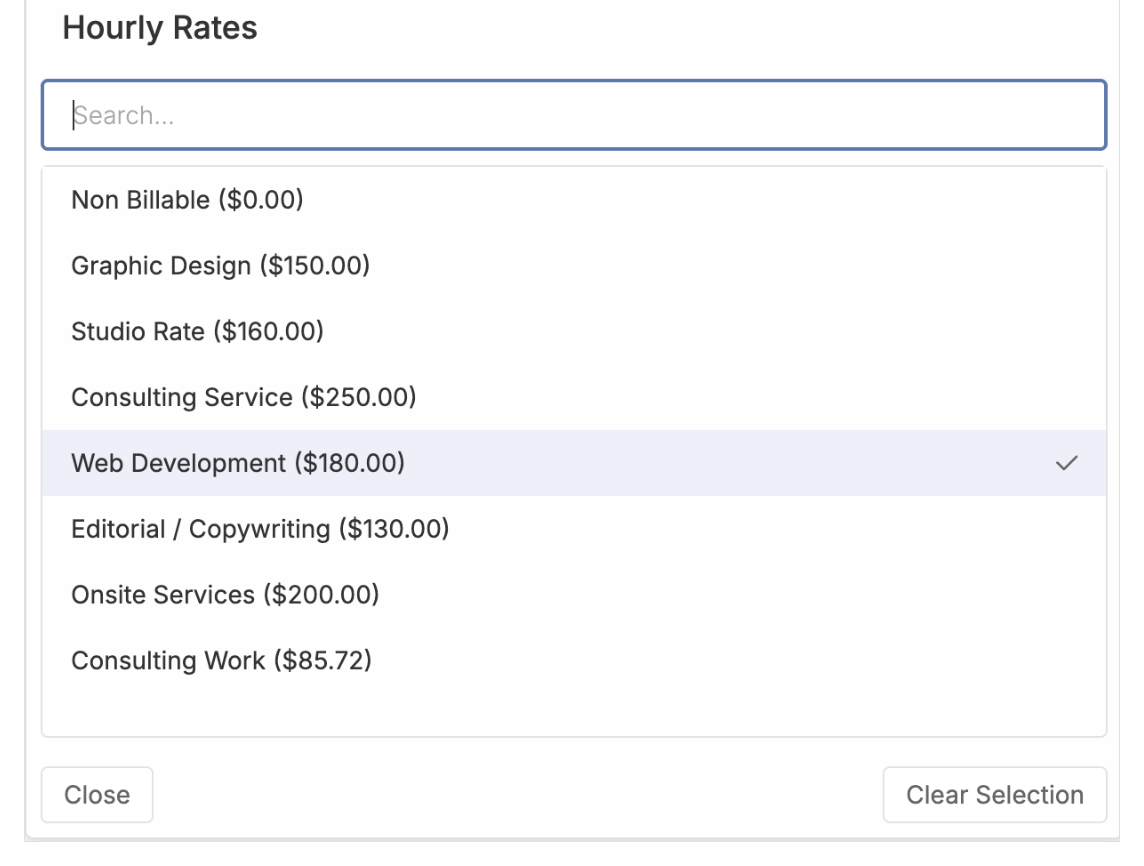
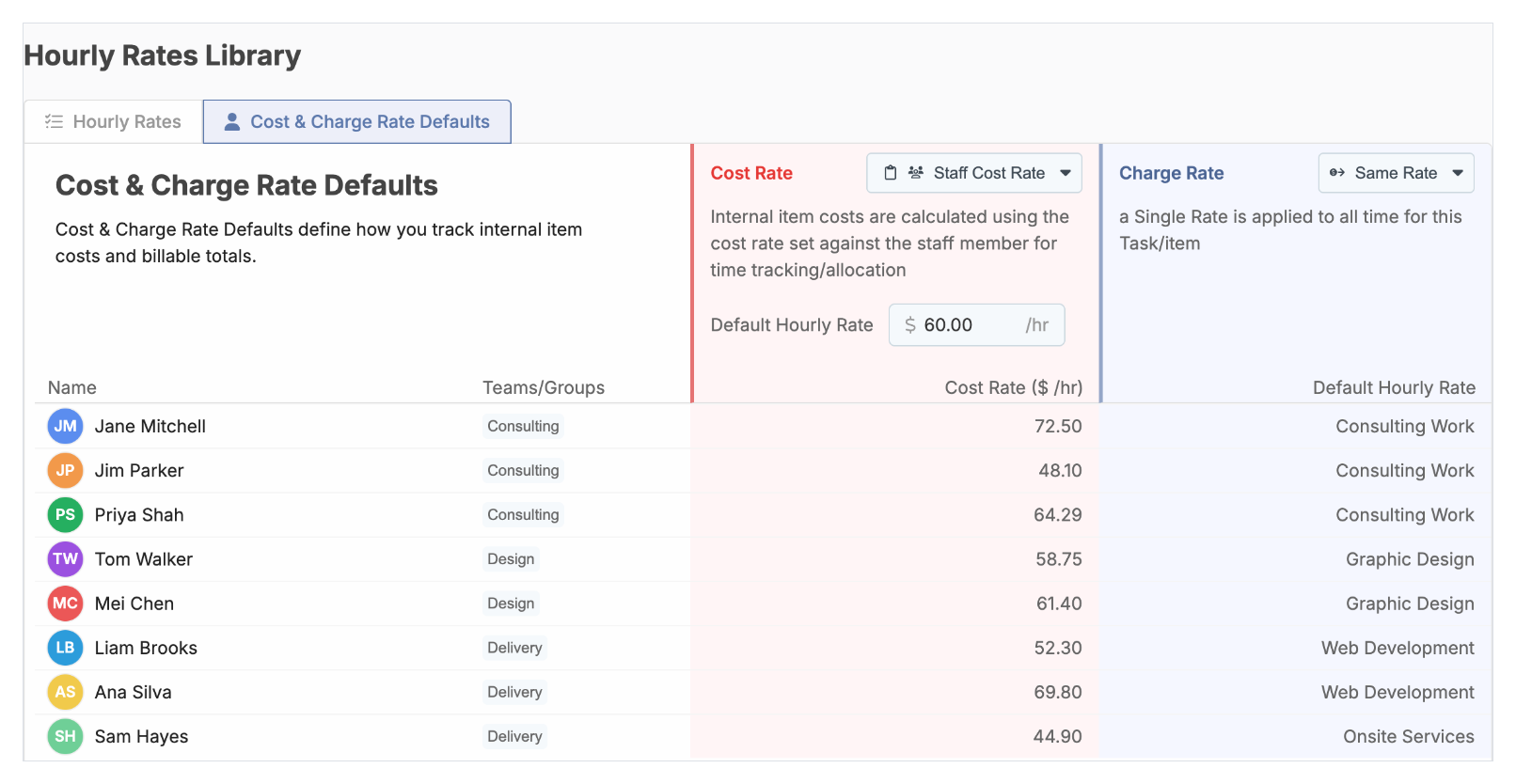
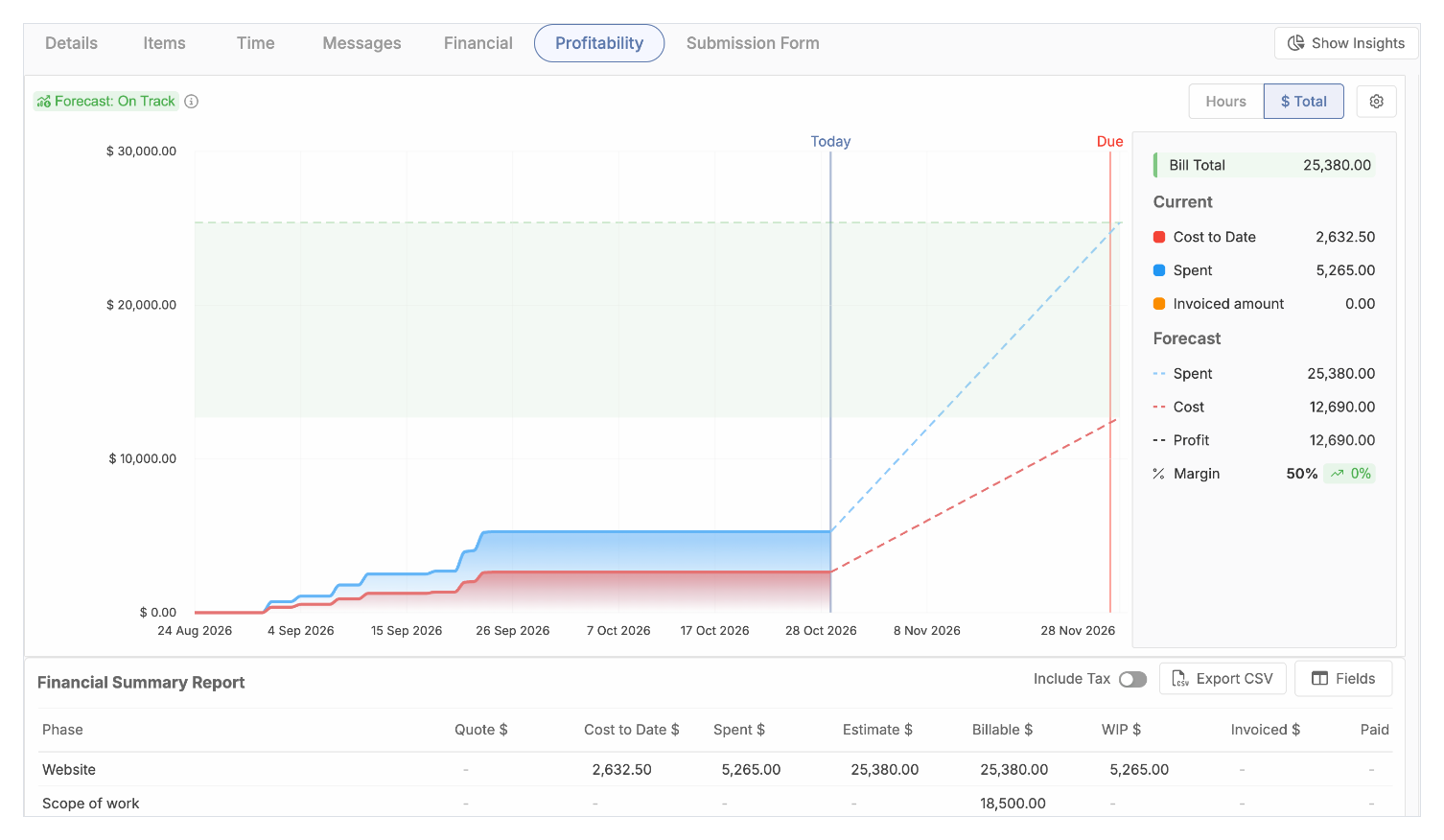
See exactly how in our help article, How to set up cost and charge rates. Or start a free 14-day trial.
Next: once your rates are set, track project profitability with budget vs actual so you can see margin slipping while there is still time to fix it.
FAQ
What’s the difference between a charge-out rate and an hourly rate?
They’re often used the same way. “Charge-out rate” usually means the rate you bill clients, as opposed to what you pay staff per hour.
How do I calculate cost per billable hour?
Divide total annual running costs by total hours worked, then divide by your billable % (for example 0.65).
What’s the formula for a charge-out rate with a target margin?
Cost rate ÷ (1 − margin). For a 25% margin, divide by 0.75.
Is a 25% markup the same as a 25% margin?
No. A 25% markup gives a 20% margin. A 25% margin needs a 33.3% markup.
Should each staff member have a different charge-out rate?
It helps when experience and pay vary. Many businesses use a few rate levels (for example junior, senior, director) rather than one rate per person.
How often should I review my rates?
At least once a year, and whenever wages, rent or team size change. If your team logs time in ProWorkflow, you can check your real billable hours and project margins before each review, so new rates are based on what actually happened rather than guesswork.