Charge-Out Rate Calculator
Work out your real cost per billable hour and the hourly rate you need for your target margin. Free, no sign-up.
Rates for
$
$
%
%
%
Charge-out rate you need$0.00per hour
Cost per billable hour (cost rate)$0.00
Profit per hour$0.00
Markup needed0%
Cost per hour worked$0.00
Total yearly cost of employee$0
%
%
Uses 52 weeks a year. Charge-out rate = cost rate ÷ (1 − target margin). Estimates only. Check current KiwiSaver and ACC rates for your business.
How the calculator works
- Cost per hour worked: yearly costs ÷ (hours per week × 52 × staff). In employee mode, yearly cost = salary + KiwiSaver or super + ACC or workers’ comp + overhead loading.
- Cost per billable hour: cost per hour worked ÷ billable %. Your billable hours have to pay for the time you can’t bill.
- Charge-out rate: cost per billable hour ÷ (1 − target margin).
Markup is shown too, because a 25% margin needs a 33.3% markup. Read margin vs markup to see why.
Want the full method?
Our guide How to calculate your charge-out rate walks through each step with a worked example.
Then make sure you actually hit it
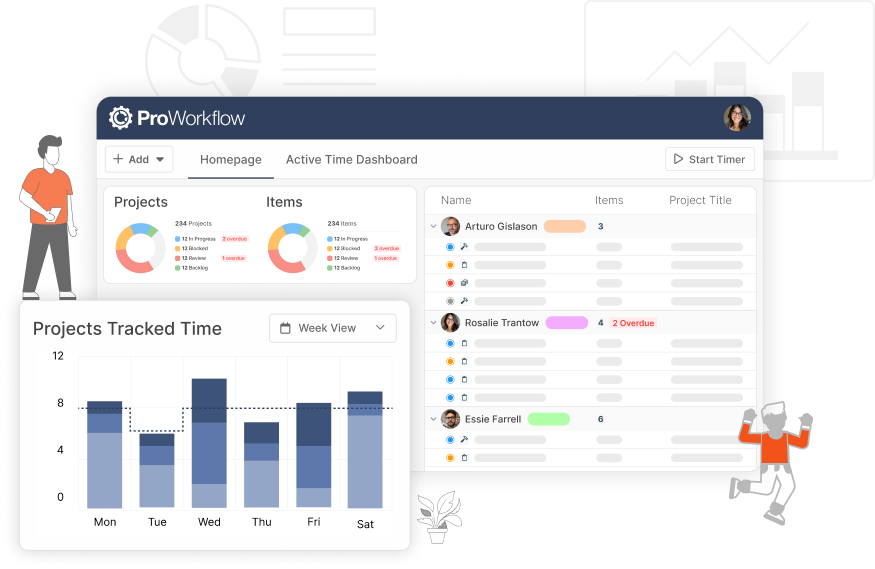
In ProWorkflow you set cost and charge rates for every staff member and track margin live on every project as time is logged. See how it works.
Pick Whole business to spread all your running costs across your team, or One employee to price a single person from their salary. Change any number and the result updates instantly.