In our fifth blog in our new Release Notes series, we go over the feature additions and improvements that have come out in our development releases in the latter part of May and the first part of June. We’re always making improvements to ProWorkflow Nexus, and these release note blogs will help you learn about them. Click here to view our previous Release Notes blog.
Feature Release: Nexus API
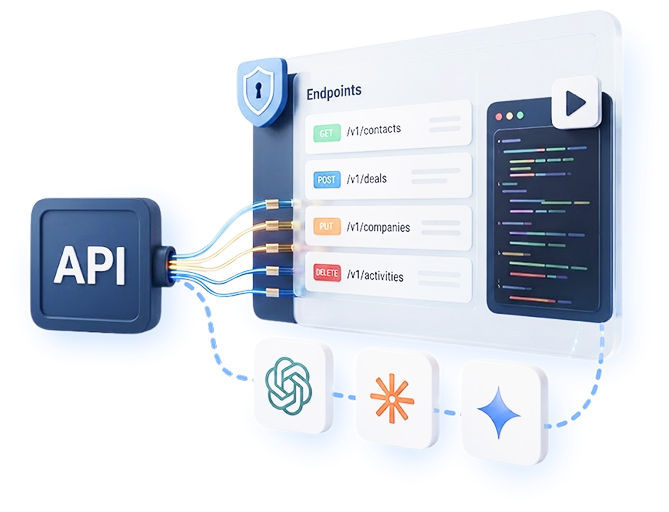
We’re very excited to announce the release of our brand new, ultra-comprehensive, super accessible, powerful, and performant Nexus API! Our market leading API is the most comprehensive Rest API on the market. For more information, please see our blog introducing this feature, here. You can also check out the page of our website dedicated to the Nexus API here.
New Feature: Project Intake Forms
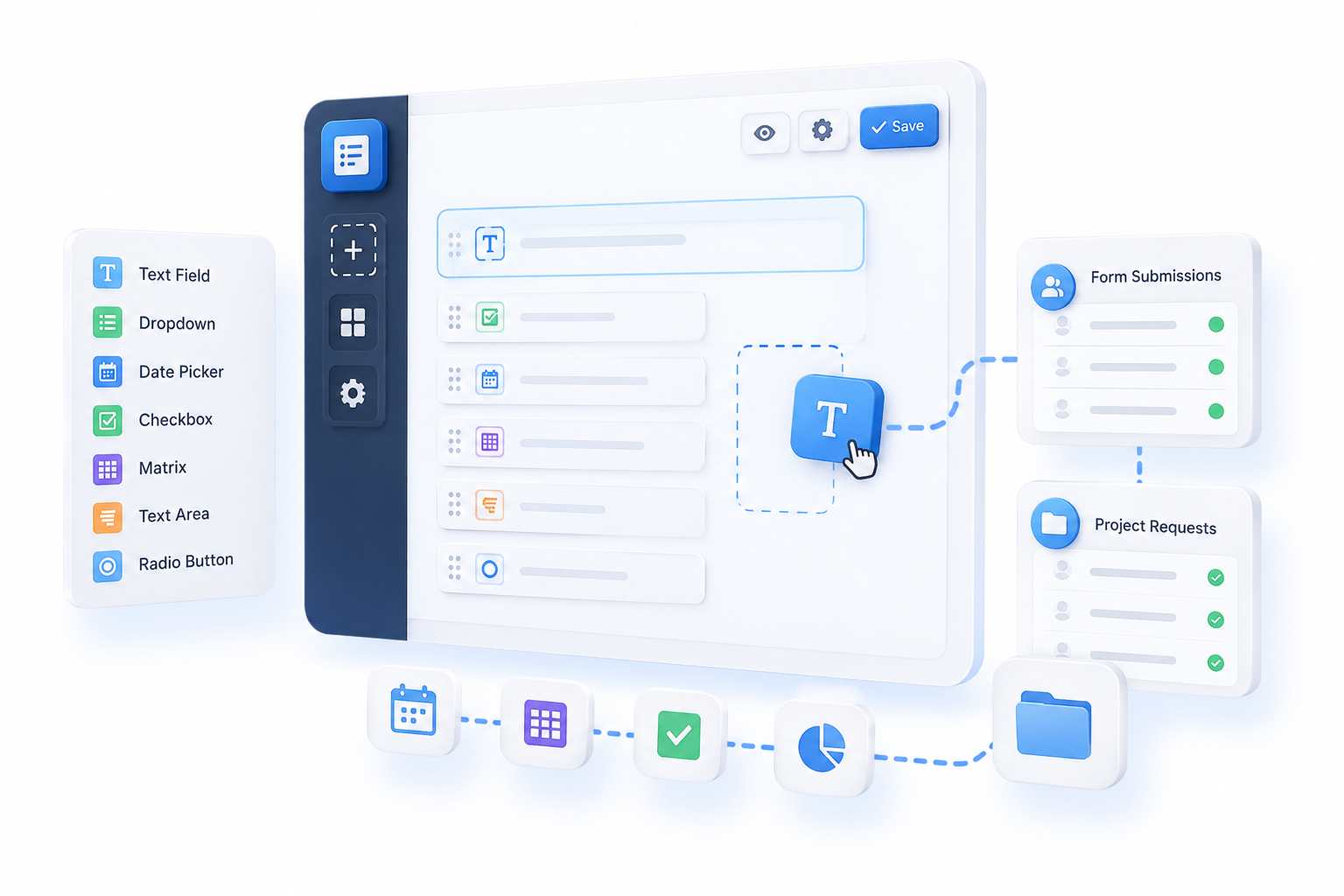
The first step in our brand new Custom Forms tool, a Project Intake Form is a customisable web form you can share with clients, internal teams, or publicly with whomever you choose. When someone submits it, ProWorkflow automatically creates a Project pre-filled with all the right details — title, due date, team members, priority, files, and more, depending on how you set up the form. For more information please see our blog introducing this feature, here.
New Feature/Feature Improvement: Saved Views
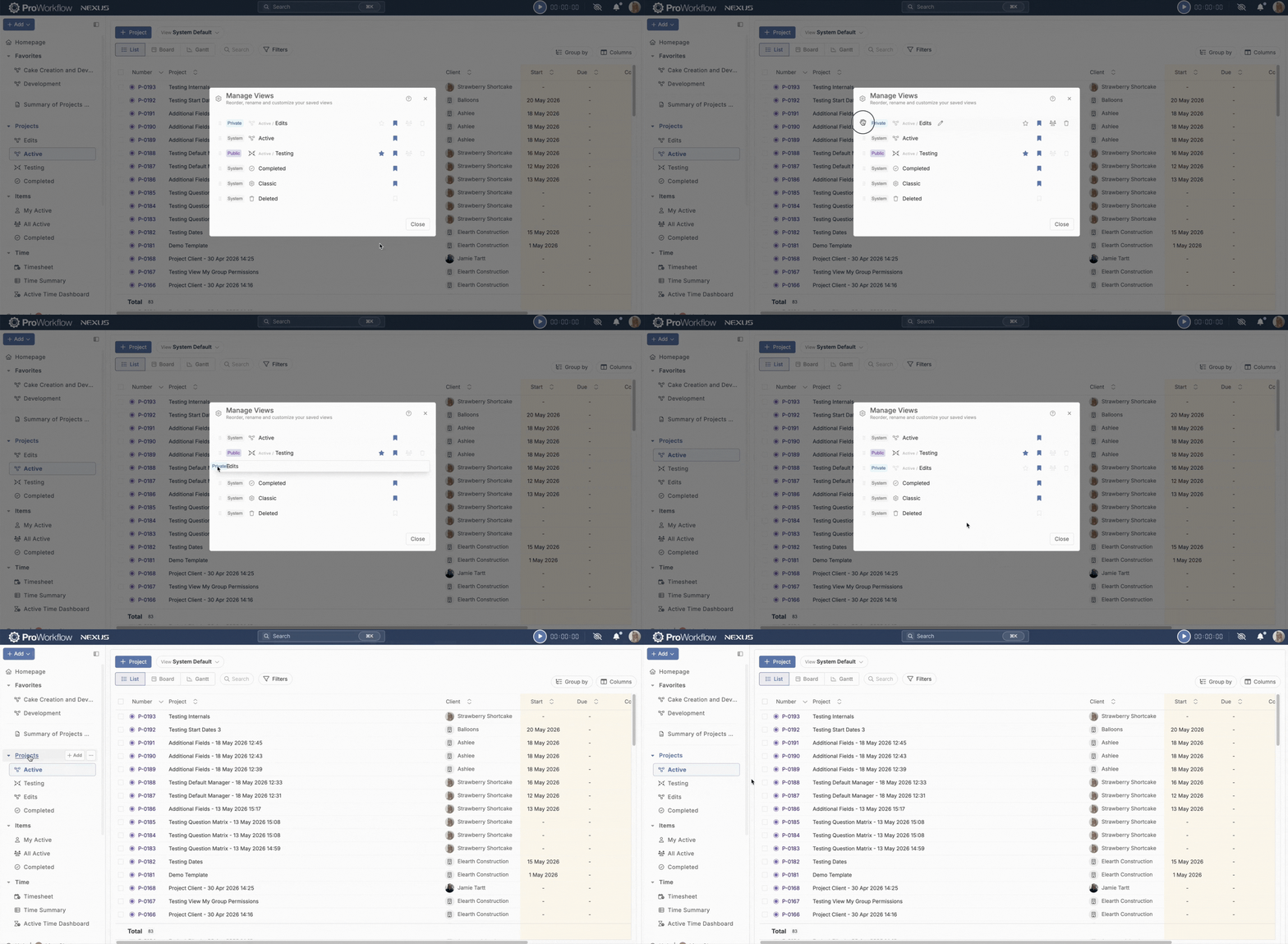
If you’ve been using Nexus for a while you’ll probably be familiar with our ability to save Filters, or to save columns. We’ve now combined saved Filters and saved Columns into Saved Views which cover both, and we’re introducing even more options to allow you to share them with your team, set them as default for yourself or for your whole team, and customize your sidebar menu links. For more information please see our blog introducing this feature, here.
Feature Improvement/Redesign: Messages
With our most recent update we’ve made some significant changes to the Messages feature on your Projects. New functionality includes:
- View the entire message thread
- Change threads from private to public and vice versa
- Add and remove participants from threads
- Drag and drop attachments to messages

Feature Addition: Specific Permission Set for Cost Rates
We’ve improved the control you have over your Sensitive Business Information, by adding a sub-set of permissions specifically for Cost Rates. You can now choose to grant a Staff member “Sensitive Business Info” permissions to allow them to view Financial details on a Project, but leave off “Cost Rates” to prevent them from viewing the Cost Rates associated to other Staff members, ensuring privacy of your team’s pay rates.

Feature Addition: Add MatLab Quantity on Timesheet Entry
For MatLab Items, that is, Items which track both time and quantity, you can now choose to increase the Quantity when making an entry on the Timesheet page. This allows you to more easily manage Items which increase their quantity allocation alongside time spent on them.

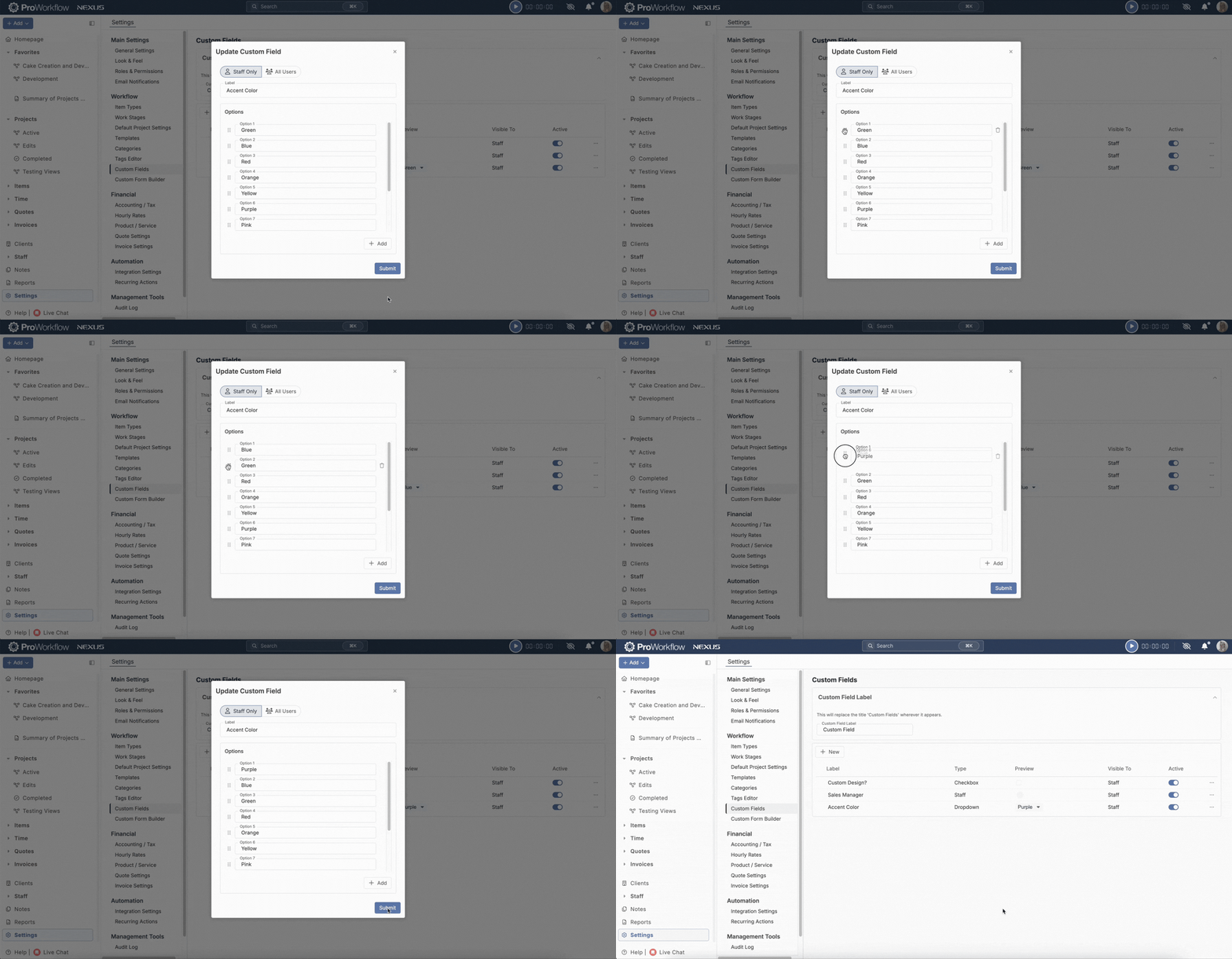
Feature Improvement: Drag n Drop to Reorder Custom Field Options
For those of you on our Advanced plan, we’ve improved Custom Fields by allowing you to drag n drop to reorder field options.
Feature Improvement: Phase Reordering Window
We’ve widened the Phase reordering window to allow for more of the Phase name to display, for ease of reading with longer Phase names. This window now also includes the Item count for the Phase as well as the count of completed Items, allowing you to quickly tell which Phases still have work to be done:

Feature Improvement: Use Project Name rather than Client Name for Invoice Title
When you are creating an Invoice, you can now choose to have the Invoice created with a name that automatically references the Project rather than the Client. For those of you wishing to have your Invoicing naming conventions follow those of your Projects, this is a useful little option that helps streamline your work and saves you additional typing and clicks.

Feature Addition: WIP Column
We’ve added a WIP (or Work In Progress) column to both your Items view on Projects and to applicable reports. This column calculates the Spent $ field minus the Invoiced $ field. This can differ from the Uninvoiced $ field which is based on Billable $ – Invoiced $. The WIP column is useful when not all of your time is billable, but you still want to be able to calculate the difference between the work you’ve done and what you’ve Invoiced for.

Feature Improvement: “More Actions” Menus Added to the Quotes and Invoices Modules on Project Details Pages
We’ve added “More Actions” menus to your Quotes and Invoices on your Project Details pages, allowing you to quickly and easily take action on the Quotes and Invoices associated to your current work.


Feature Improvement: Allow for Images from URLs in Quotes and Invoices
We now allow you to add an image to the description of a Quote or Invoice by linking it to the image URL. This allows you to include images in the PDFs of your Quotes and Invoices.


Feature Improvement: File Space Manager
We’ve added some additional improvements and functionalities to the File Space Manager tool (for our previous improvements, please see our March-April release notes here). File Space Manager now supports Grouping by Project, sorting by Column while respecting grouping, and additional tools for filtering, including quick actions for including or excluding a Project or Client from a search. Check out the File Space Manager in the “Management Tools” section of your Settings to easily and quickly choose to clear out old and no longer needed files:

Get These Features By Upgrading to ProWorkflow Nexus Today!
Whether you are an existing Classic customer who is looking to convert to Nexus, or you’re a new prospective client who wants to start a subscription with us, you can start using Nexus today to take advantage of these exciting new features. Existing clients please reach out to our Support team at [email protected] to get Nexus enabled for your account and start the migration process. New clients please start a trial account or contact our Sales team at [email protected].