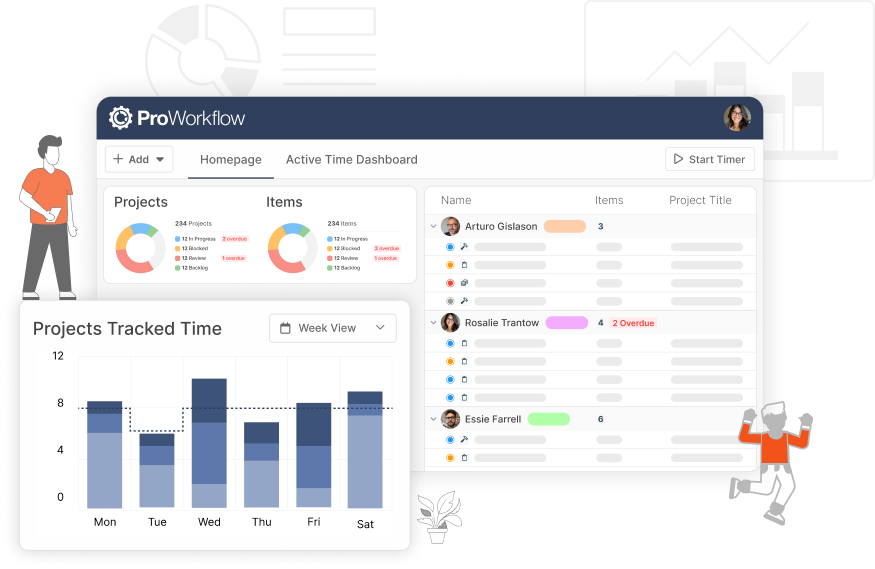
We’ve got something fun to share. On Monday 16 November, ProWorkflow is getting a fresh new look.
Our team has been busy behind the scenes giving everything a polish, so ProWorkflow feels faster, snappier and even more enjoyable to use every day. It’s cleaner, it’s quicker to get around, and the things you use most are right where you’d expect them.
Here’s a quick sneak peek
What you’ll notice
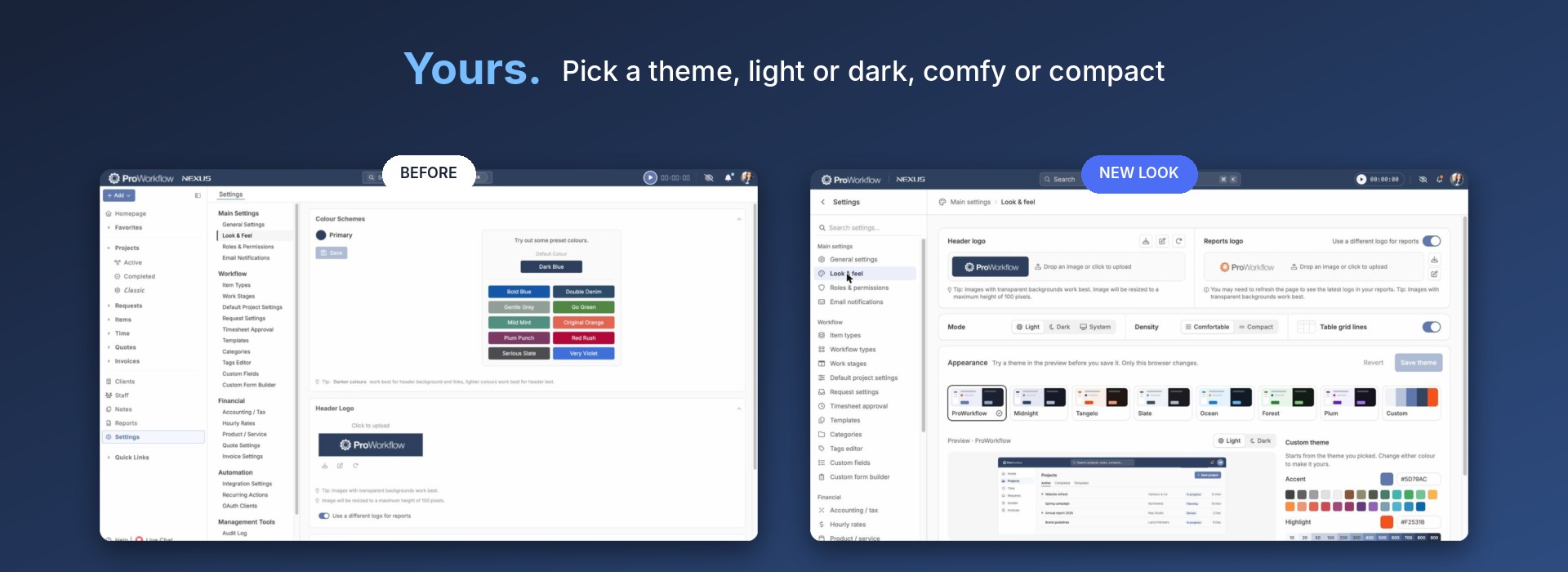
Make it yours
Pick a theme, switch to dark mode, and choose comfy or compact spacing. The new Look & feel page lets you try themes like Midnight, Tangelo, Ocean and Forest in a live preview before you save, or build your own from your brand colours. You can also turn table grid lines on or off.
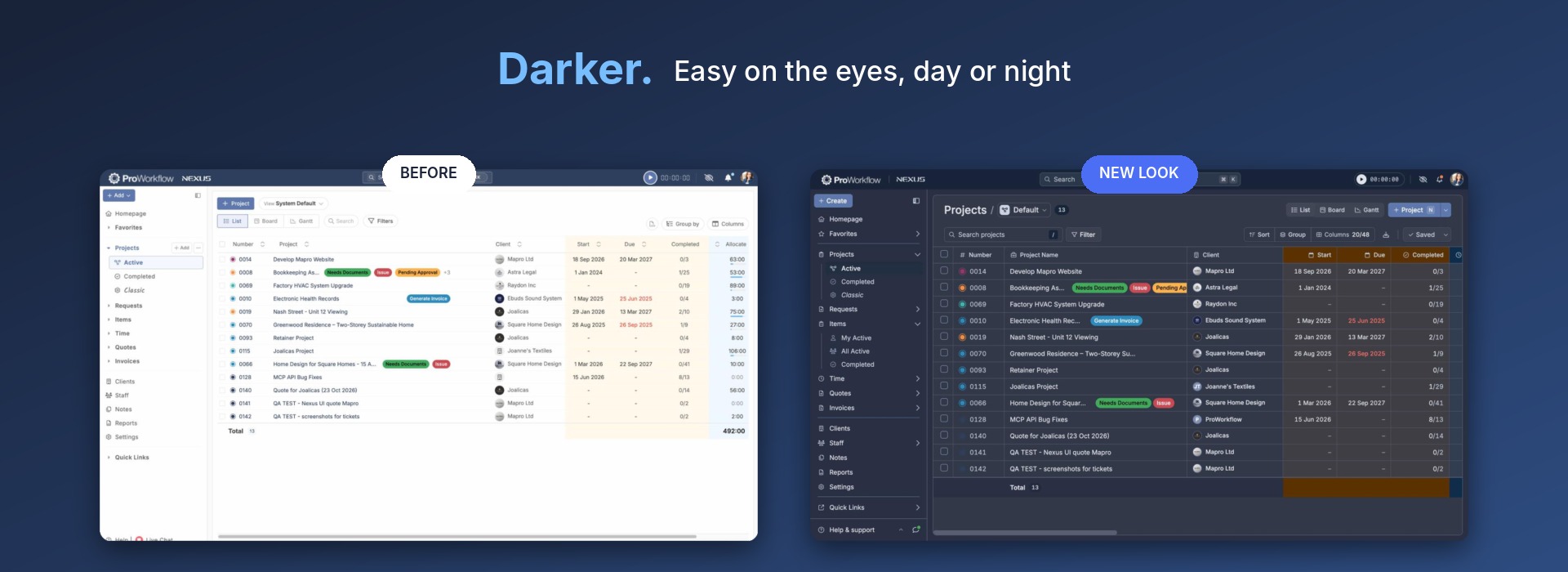
Dark mode
Easy on the eyes, day or night. Switch between Light, Dark or System and the whole app follows along.
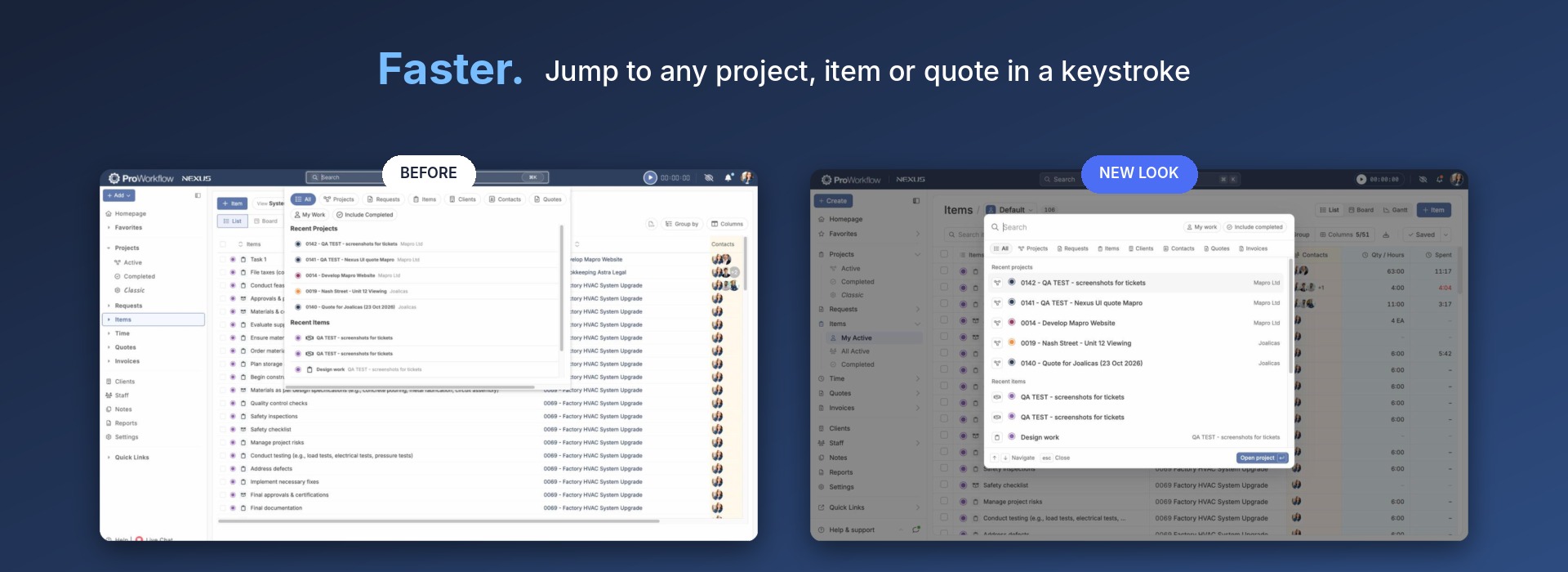
Faster search
Jump to any project, item, client or quote in a keystroke. Press ⌘K (Ctrl+K on Windows), pick a tab to narrow things down, and use your arrow keys to get there.
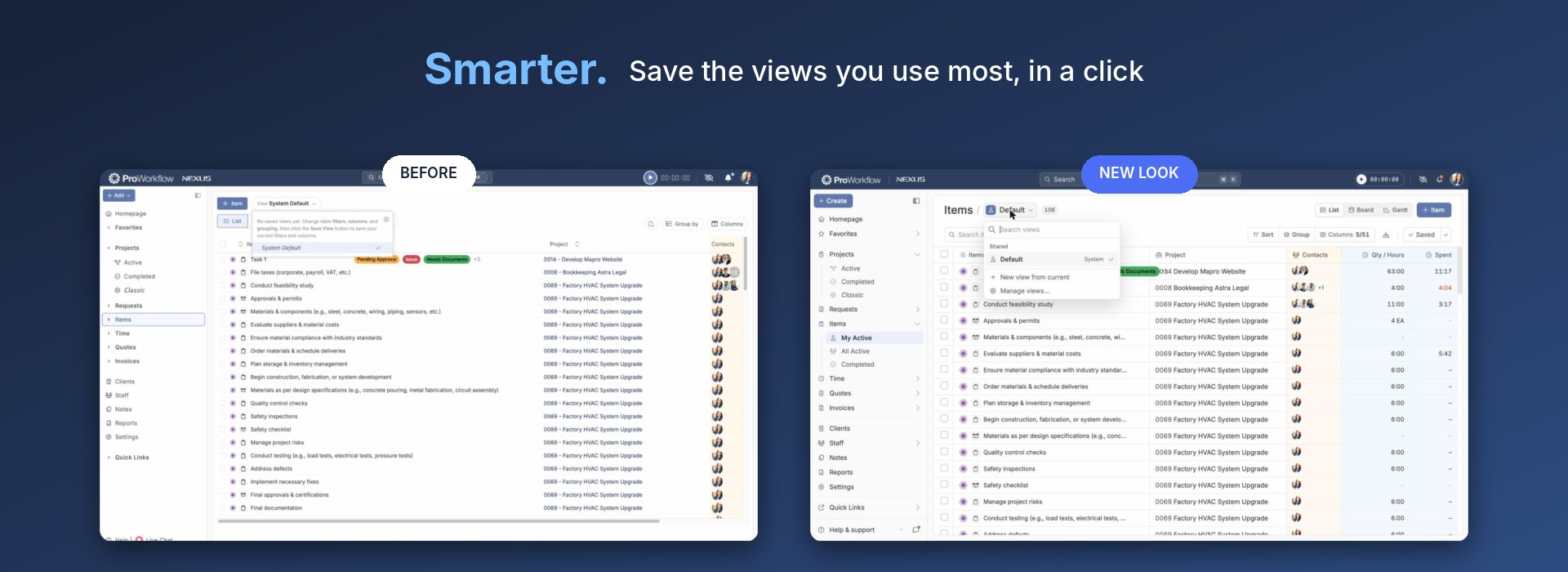
Saved views
Save the views you use most, and share them with your team. Set up your filters, columns and grouping once, then save them as a view and switch between views in a click.
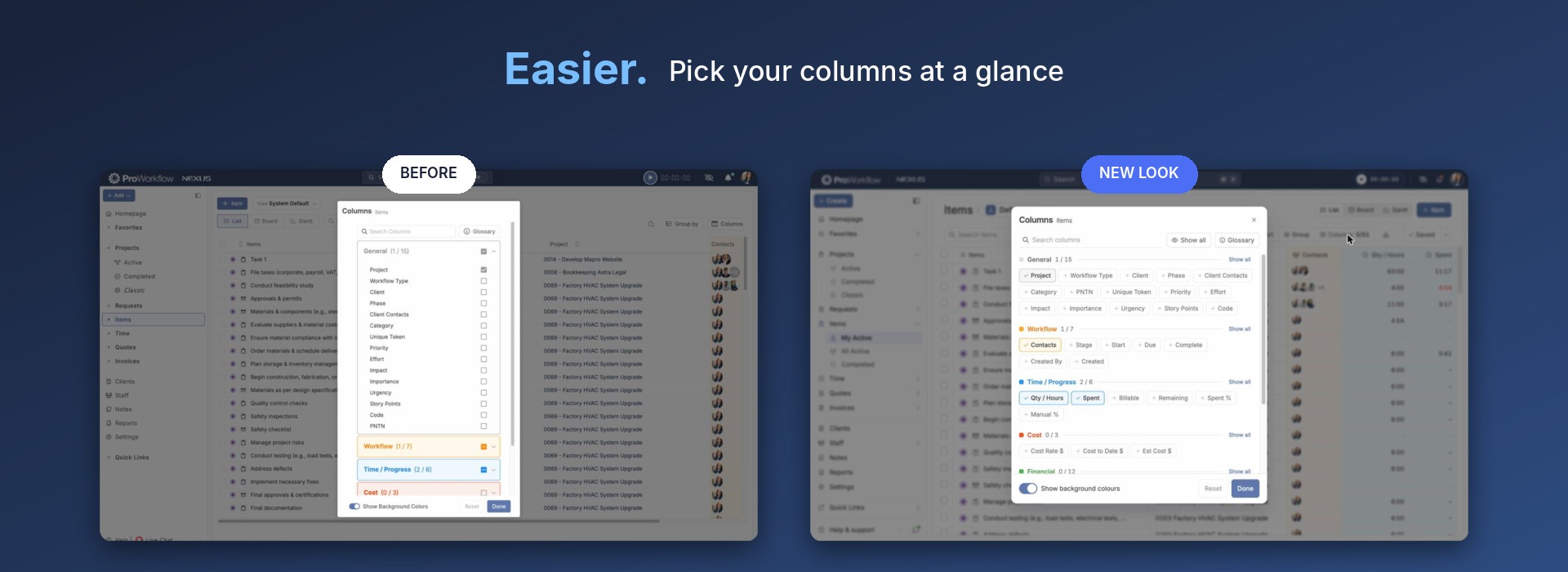
Easier columns
Pick the columns you want at a glance. Every column sits on one screen, grouped by type, so you can add or remove them with a single click.
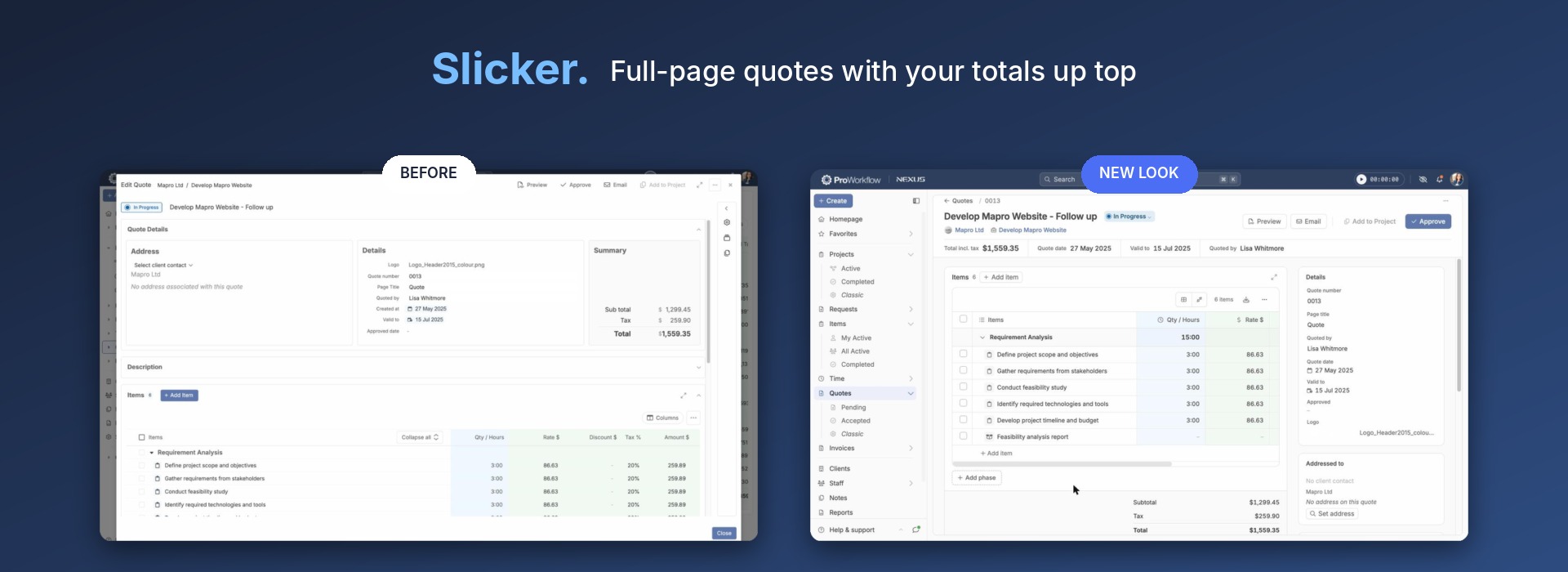
Slicker quotes
Quotes now open as a full page, with your total, quote date and expiry right up top and the details in a tidy side panel.
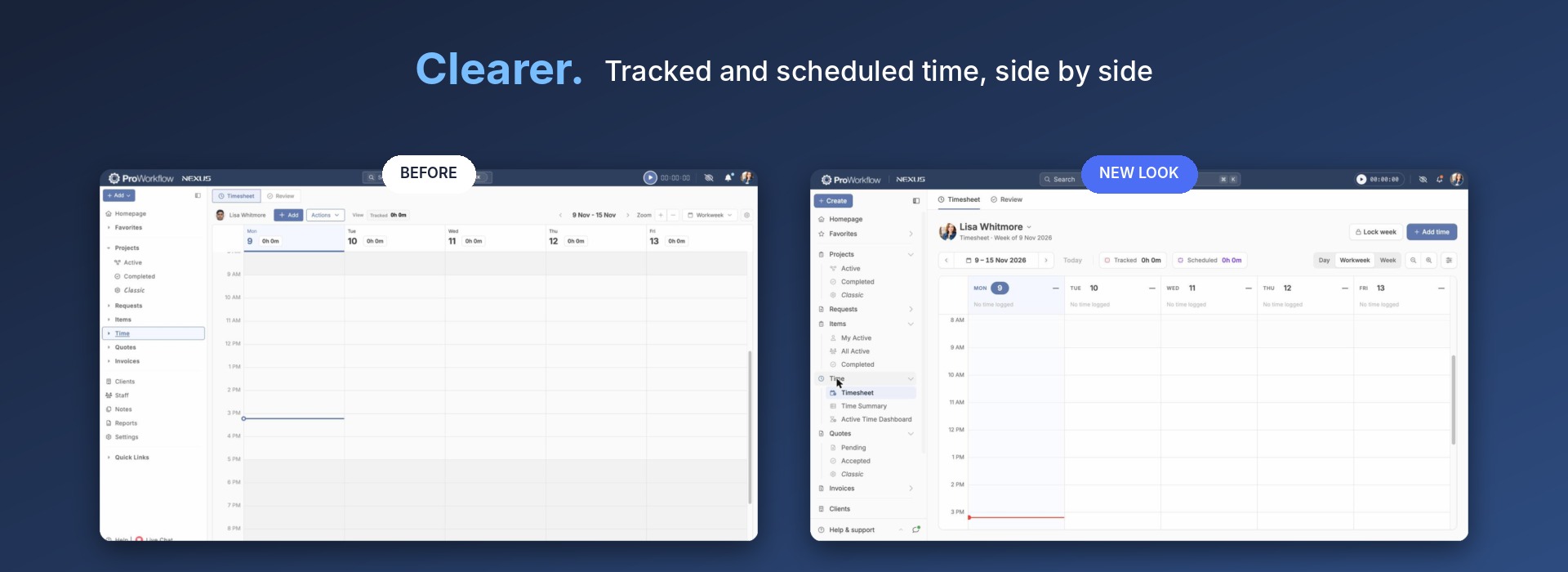
Clearer timesheets
See tracked and scheduled time side by side, switch between Day, Workweek and Week, and lock a week once it’s done.
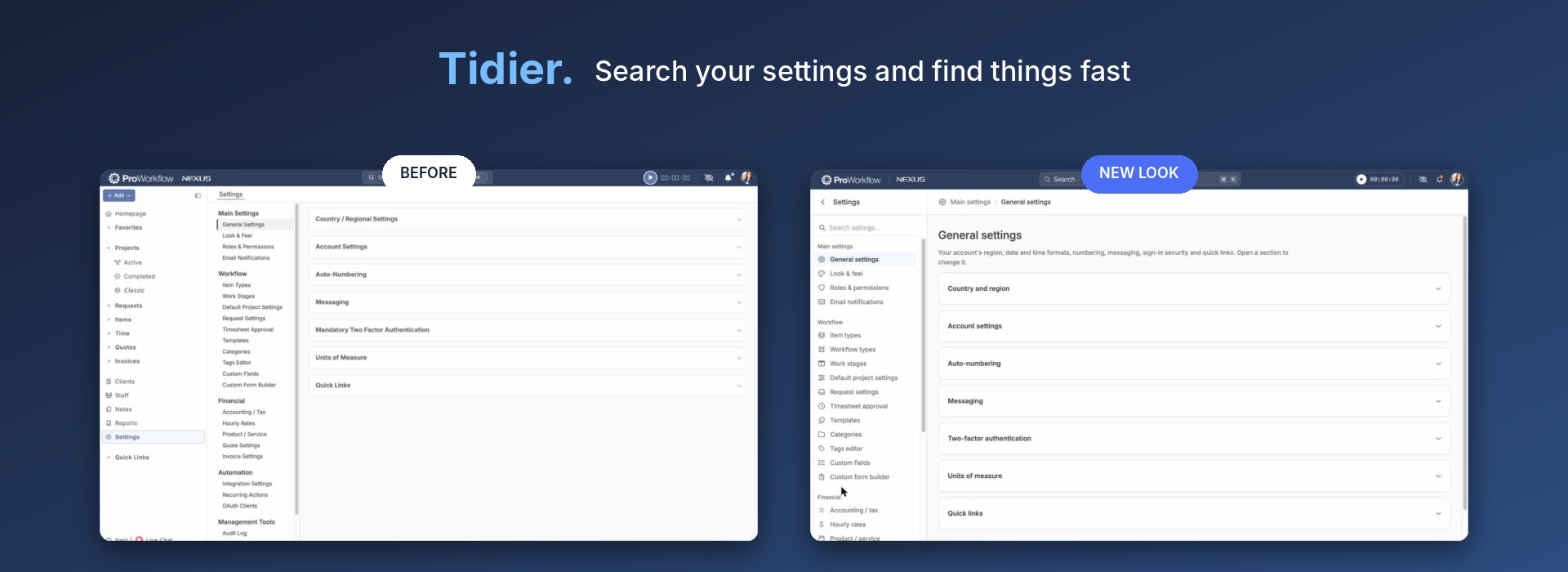
Tidier settings
Search your settings and find things fast. Every settings page now has clear icons, breadcrumbs and a short description of what it’s for.
What stays the same
All your projects, tasks, time, quotes and invoices are exactly where you left them. There’s nothing to set up. Just log in on Monday and enjoy!
Why now?
This refresh is a big step in getting ProWorkflow ready for something exciting we’ve been working on. We can’t spill the beans just yet, but we think you’re going to love it. Stay tuned!
Want a sneak peek of what’s coming next? Get in touch with us, we’d love to show you!
Cheers,
The ProWorkflow Team