
Enhanced
Reporting & Insights
Enhance operations with software that makes business life easier.
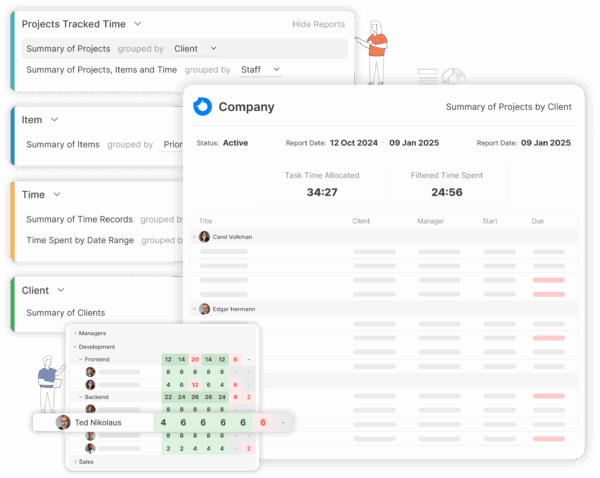
Build reports your way
Create customized reports to gain insights on your work
Select the report base from a comprehensive library, generate and customize reports to your liking, save to favourites customized reports. Multiple filtering options to find the exact metrics you’re searching for. Export reports to PDF or Excel
- Customizable report data for your convenience
- Select columns to display
- Export reports to PDF or Excel, send to recipient
ISO Certified
- No credit card
- Free 30-day trial
- Cancel anytime
More than just reporting
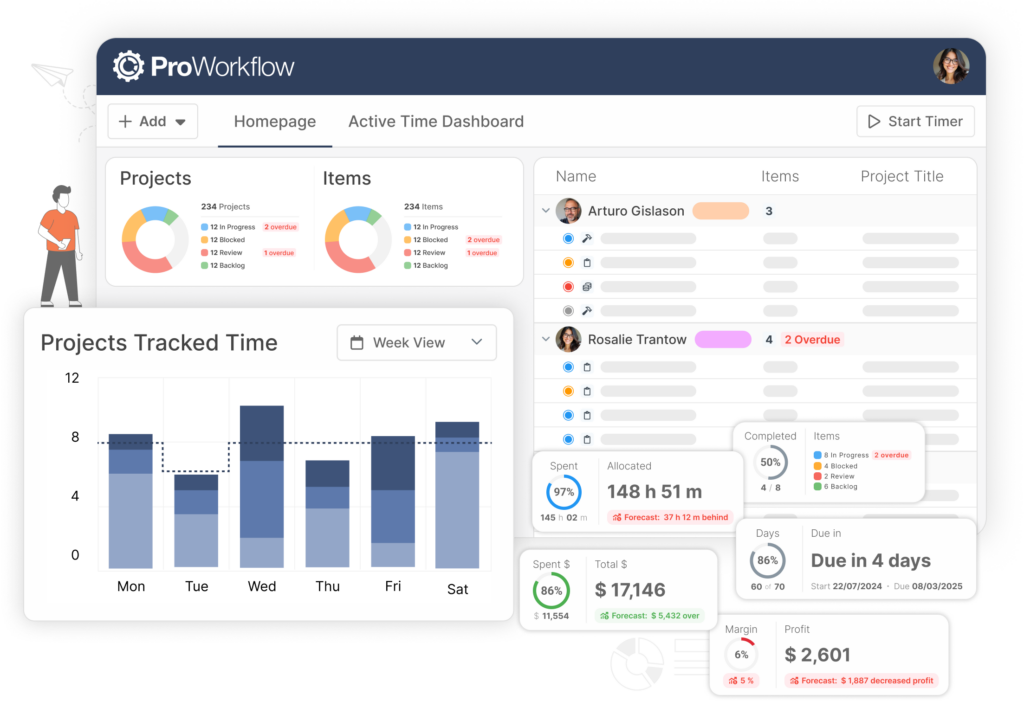
Access data through other areas of ProWorkflow
Define who’s who in your organizaiton, and distinguish different departments.- Project list and project details pages give quick summary data on project progress
- The homepage provides a quick view into important details
- All data is live, so up to date information will show on these pages as changes are made
Save time. Simple!
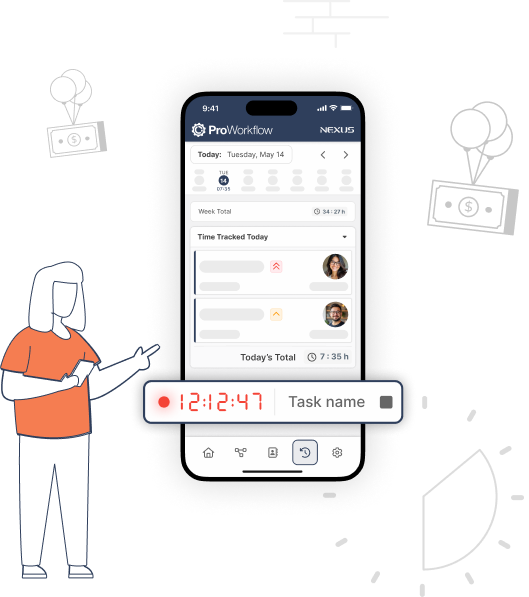
Time tracking and time saving boosts profitability
- Workload reports show time spent on tasks for better workload management
- Repetitive timesheet entries are eliminated through various input tools
- Drag-and-drop makes it easy to rearrange time entries
There is a reason teams love ProWorkflow
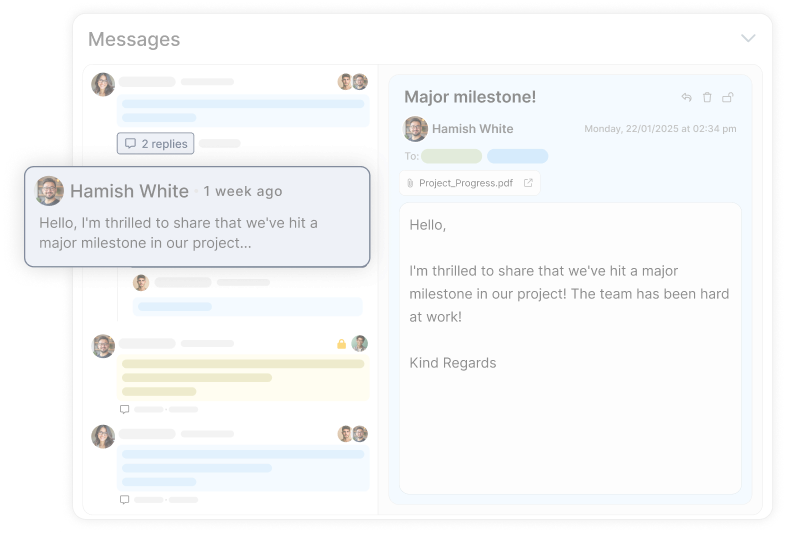
Pre-installed teamwork tools improve synergy through better communication.
Collaborate with your team, customers, and partners using one integrated system.See case studies
Read about how ProWorkflow is enabling its customers to achieve more in their businesses with streamlined workflows
Frequently Asked
Questions
on Reporting & Insights
What reporting can I do in ProWorkflow (project reporting, financial reporting, performance metrics)?
Can I filter reports and export them to share with clients or leadership?
How do ProWorkflow dashboards and project views support better reporting?
Reporting gets sharper when your projects are structured well. ProWorkflow highlights project lists, project detail pages, and live status visibility—which supports cleaner reporting because the underlying project data stays current.
How do I try ProWorkflow reporting and insights with real project data?
Start a free trial (the site promotes no credit card), then build a few reports from the library, apply filters/columns, and export/share the results to test your actual workflow.
Where can I compare pricing for ProWorkflow reporting features?
Use the pricing page to compare plan options and see what’s included for teams that need advanced reporting and operational visibility.
Why do services and consulting teams care so much about reporting in project management software?
Because delivery is the product. ProWorkflow positions Services & Consulting teams around connecting work to outcomes — tracking progress, profitability signals, and client-ready reporting without juggling separate systems.
What’s a real example of reporting/visibility improving efficiency with ProWorkflow?
Delvinia reports that centralising project information in ProWorkflow helped them handle ~25–30% more projects per month, and they call out time tracking + easy-to-pull reports as supporting more accurate estimates and client reporting.
Let’s talk streamlined workflow
Let’s talk financial reporting tools
ProWorkflow is ISO27001 certified and GDPR compliant.
We conduct more than 30,000 secure task, project and financial updates every day for over 5,000 companies. Your data is safe with us.