
Empower Service & Consulting Teams with ProWorkflow’s Time Management Tool
Streamline your consulting projects—from quotes to invoicing—on one platform to boost efficiency, profitability, and growth.
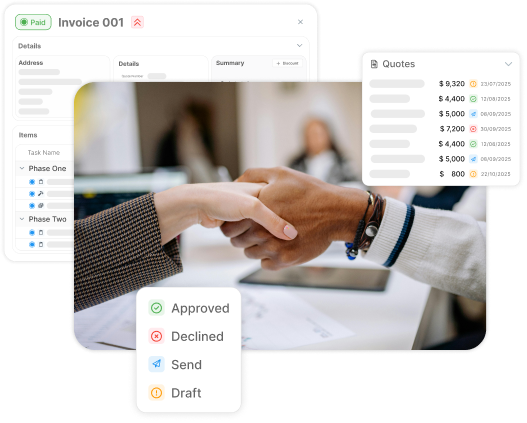
Maximize project profitability
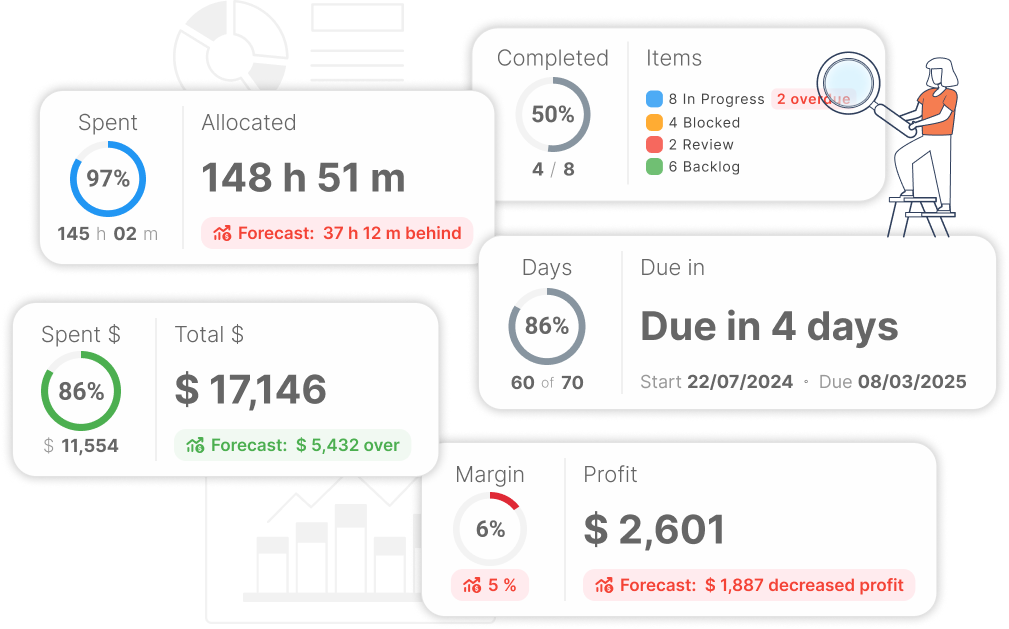
Get insights into your projects and stay profitable
Keep track of your finances with live profitability updates as your users update their work.
- Color coding simplifies your financials at a glance
- Calculations are automatically done for you, so you can focus on your work
- Predict profitability by planning out your items and including a budget
Boost consultant productivity
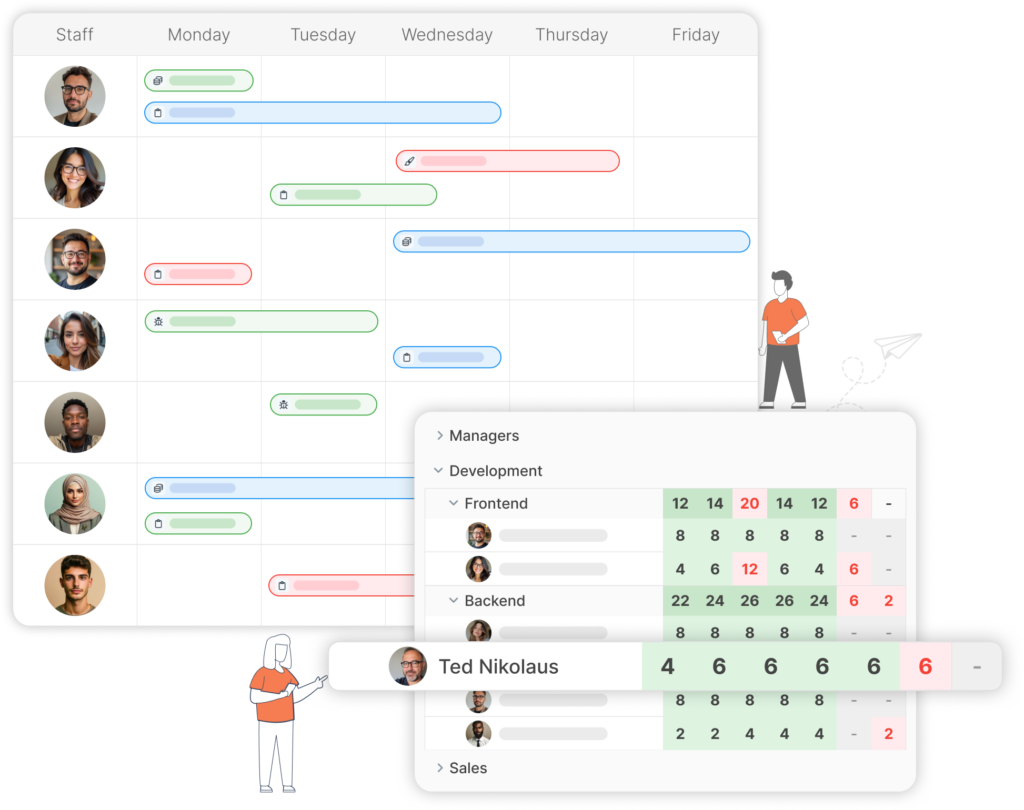
Making team and people management fluid
Proactively assess your workload. Strategically select the right moments to launch new projects. Ensure your team stays productive and accountable.
- Edit and schedule resources using the Gantt Chart, check team availability using Availability Checker, and preview the upcoming week’s work using the Weekly Workload
- Create templates to save time on creating new projects
- Using the timer means you spend more time focusing on your work
- Create roles for your team to maintain controlled access to the system and projects
Flexible Invoicing
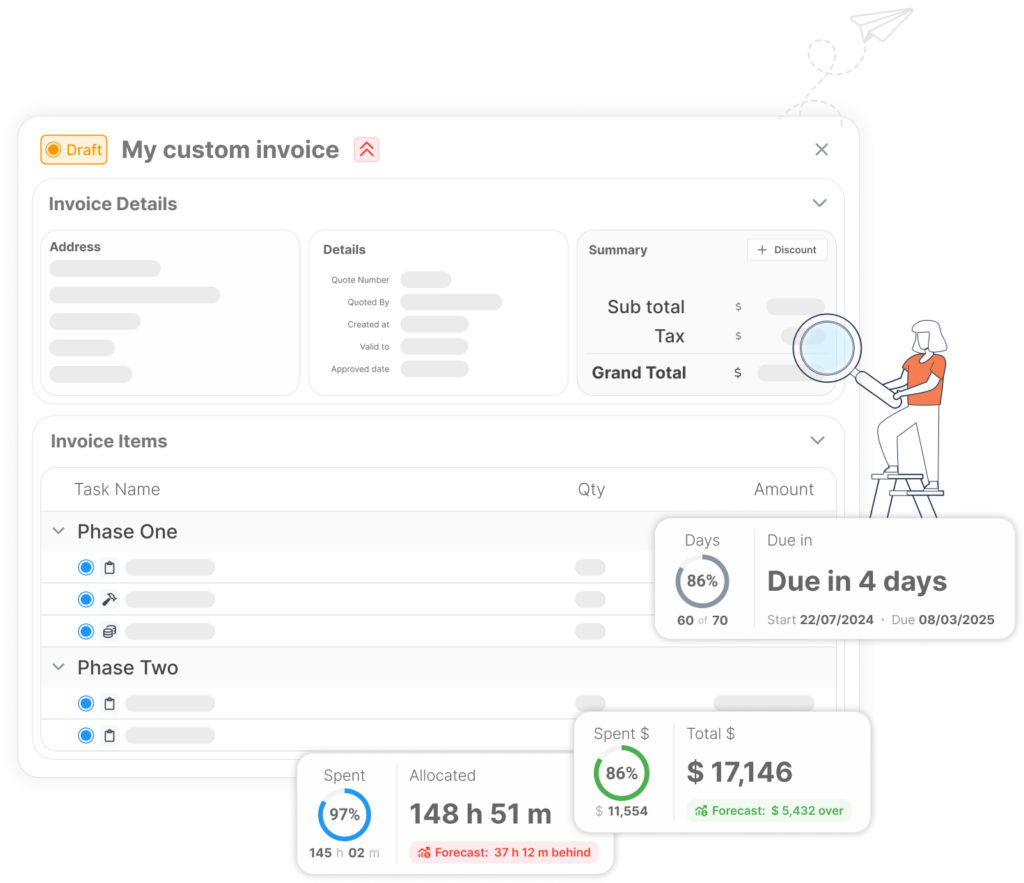
Streamline billing and integrations with your accounting tool
Create invoices based on various milestones in your project or invoice your clients directly for a set time period. Maintain a timely cash flow and accurate billing.
- Invoice on quotes, projects or a date range
- Customizable invoices means you’re in control of what is being sent
- Partial invoicing to keep clients up to date on your progress
- Integrations to accounting systems makes sure that the process is as simple and smooth as possible
Frequently Asked
Questions
About Services & Consulting
How does ProWorkflow help professional services teams run client projects end-to-end (without tool-sprawl)?
How can consultants improve productivity and capacity planning in ProWorkflow?
The Services & Consulting page leans heavily into workload and resource visibility — using Gantt scheduling, an availability checker, and a weekly workload view to help you assign work based on capacity, not wishful thinking.
We consult for architecture firms—can ProWorkflow support architecture-style project planning too?
Yes. ProWorkflow’s Architecture setup highlights Gantt/timeline + Kanban views, drag-and-drop scheduling, and live updates to reduce overdue work—useful if your consulting projects mirror staged delivery and deadline-heavy workflows.
Can I trial ProWorkflow for consulting projects before choosing a plan?
Yes — ProWorkflow promotes a free trial with no credit card required, so you can test real client workflows (projects, time, billing) before committing.
Where do I find ProWorkflow pricing for services teams?
How does ProWorkflow handle task management for repeatable consulting deliverables?
ProWorkflow’s Task Management feature supports templates plus bulk task creation/editing (including importing from Excel or copy/paste), which is handy for repeatable service packages and recurring delivery checklists.
Is there a real example of ProWorkflow improving capacity tracking and client timelines?
In the Pace Creative case study, they call out needs like internal capacity tracking and accurate client timelines, and describe using adjustable Gantt charts plus weekly workload and availability reports to plan resources more effectively and reduce team stress.