
Seemless
Quoting & Estimating
Never miss an opportunity to convert a quote or an estimate to an invoice
Simple quoting solutions
Create quotes with ease
Whether you start your workflow with quotes or to tack the quote to a project, you can easily generate a quote with just a few clicks.
- Convert quotes into projects and bring along any quoted lines
- Set up templates for smooth quoting
- Client can approve or decline the quote from their end
- Add logo and other details to reflect your branding
ISO Certified
- No credit card
- Free 30-day trial
- Cancel anytime
Convert quotes to projects
It’s as easy as clicking a button
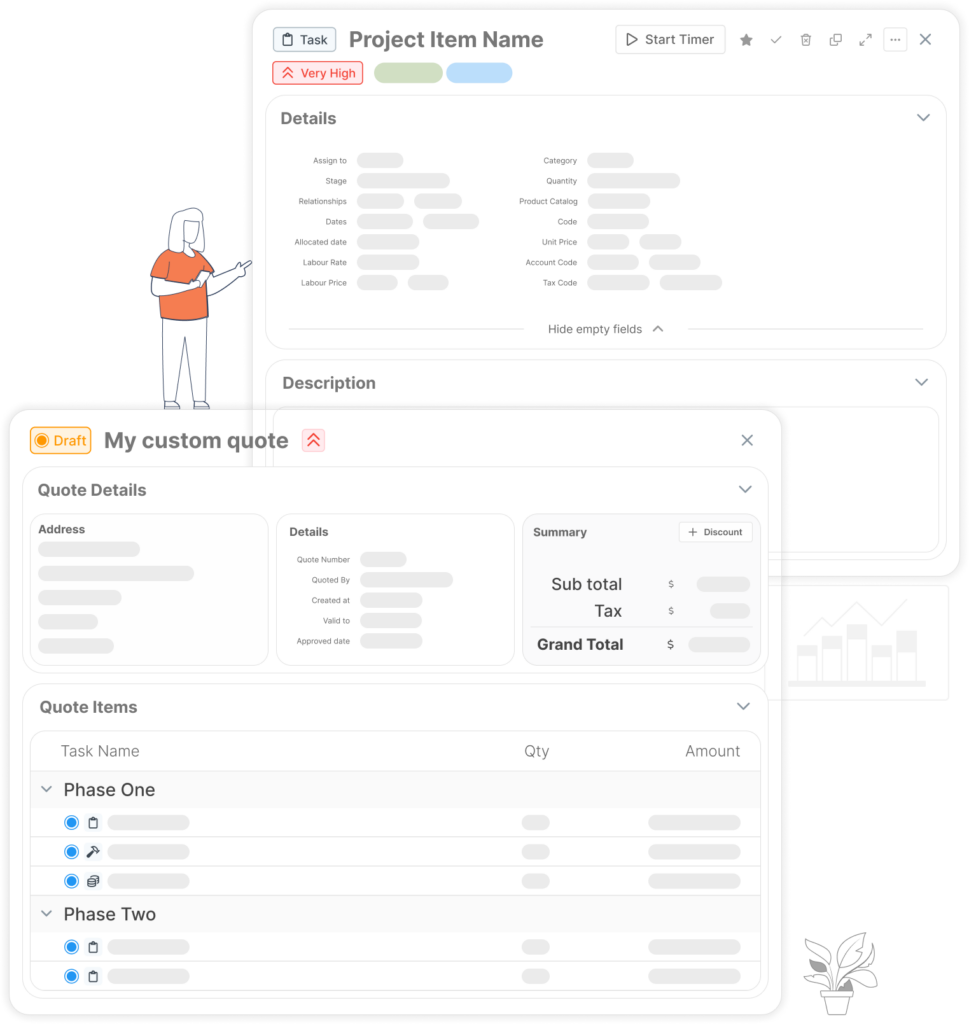
Once a quote is approved, simply hit a button and convert your quote into a project. Makes your workflows that much smoother.- All quote data is transferred to the project when converting quote to project
- Project can be customized once created
- Quote can also be tacked on to a project if you prefer
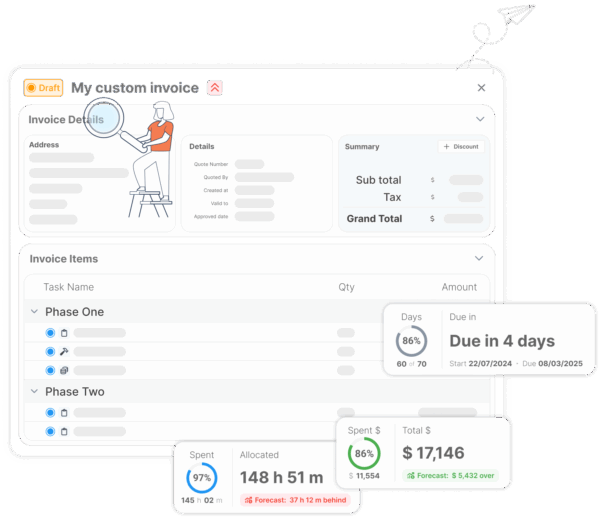
- Quickly convert quotes into invoices, simplifying your billing process
Customize quote layouts
Add your own touch to quoting
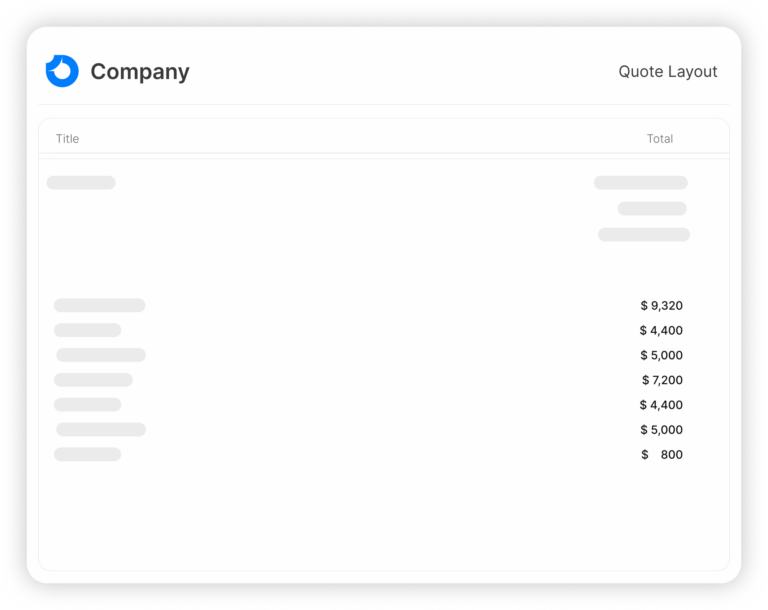
Create custom layouts including logos, colors, and terms/conditions for your quotes. Add your personal touch to make the quote your own.- Easy to set up the layout and customize to your liking
- Set up multiple layouts for different needs
- No need to learn any complex systems, can be done directly from your quote settings
Send quotes and email approval
Send quotes directly to your recipients
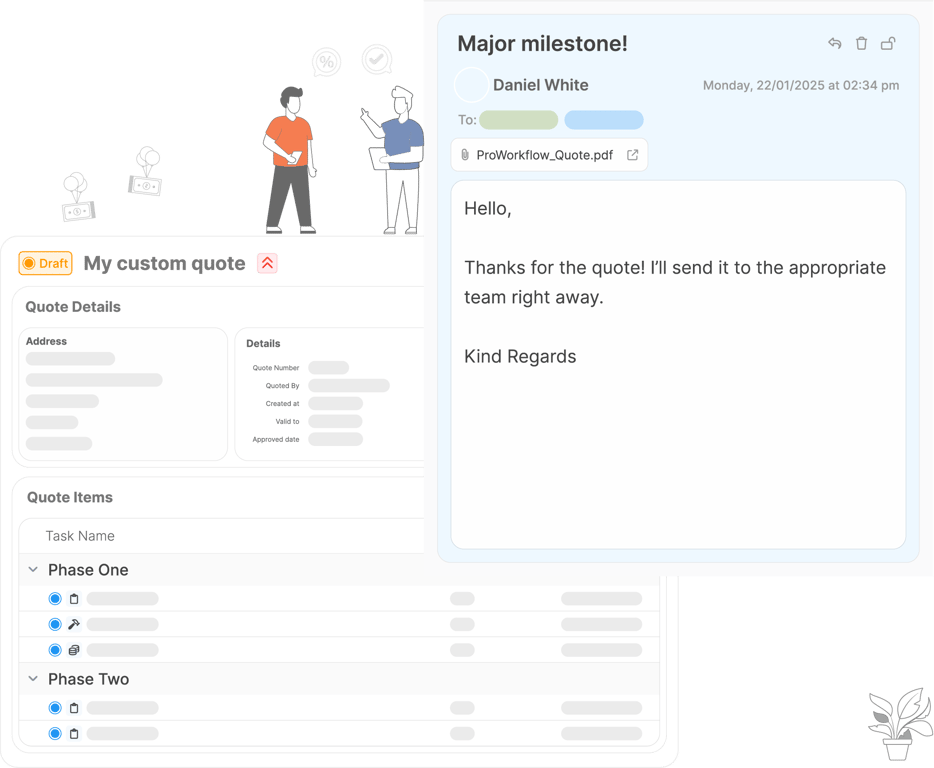
Quotes can be generated and sent from ProWorkflow to recipients. In combination with the custom quote layout, you can truly make the experience personalized for your clients.- Once quotes are sent, their status is automatically updated
- Approved quotes can be converted to projects
- You can re-quote a client from archived quotes
- Clients can accept quotes directly from their email
There is a reason teams love ProWorkflow
Built-in collaborative tools foster a stronger team through effective communication
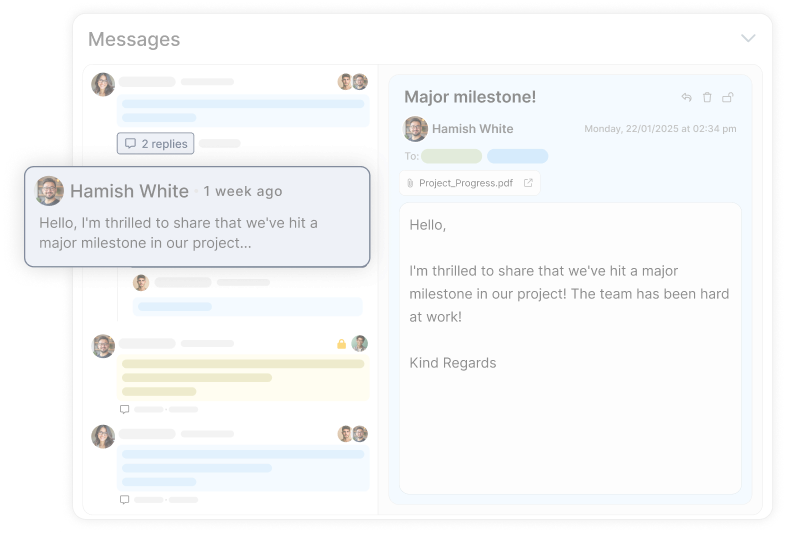
Communicate directly with your team, clients, and contractors in one central space.
Explore case studies
Find how you can effortlessly collaborate on project ideas, assign tasks, and manage message visibility with out comprehensive contact and messaging features.
Frequently Asked
Quoting
& Estimating
Questions
How does ProWorkflow help you create professional quotes and estimates faster?
Can I turn an accepted quote into a live project with tasks and deadlines?
Can ProWorkflow convert quotes or estimates into invoices to speed up billing?
Yes — ProWorkflow supports creating invoices from a Quote (or templates/project data), so quoting and billing stay connected rather than living in separate tools.
Can I test the quoting and estimating workflow before paying?
Yes — start the free trial and run a full quote → client send → conversion workflow using your real templates and pricing structure.
Where can I compare ProWorkflow pricing for quoting, estimating, and invoicing features?
Plan options and pricing are published on the pricing page so you can compare what fits your team size and workflow.
Is ProWorkflow good for construction teams creating estimates and managing jobs?
Yes — ProWorkflow positions construction teams around coordinating schedules, tracking time, and managing workloads (useful when estimates need to match real delivery capacity).
What’s a real example of a team improving operational efficiency with ProWorkflow?
Great Plains Communications describes major efficiency gains using ProWorkflow—especially around time capture and reporting visibility—supporting faster decision-making and cleaner operational control.
Let’s talk streamlined workflow
Let’s talk financial reporting tools
ProWorkflow is ISO27001 certified and GDPR compliant.
We conduct more than 30,000 secure task, project and financial updates every day for over 5,000 companies. Your data is safe with us.