
Project Management Software Tailored for Engineers, Built for Results
Centralize engineering project management with ProWorkflow to streamline timelines, optimize workloads, boost productivity, and maintain profitability.
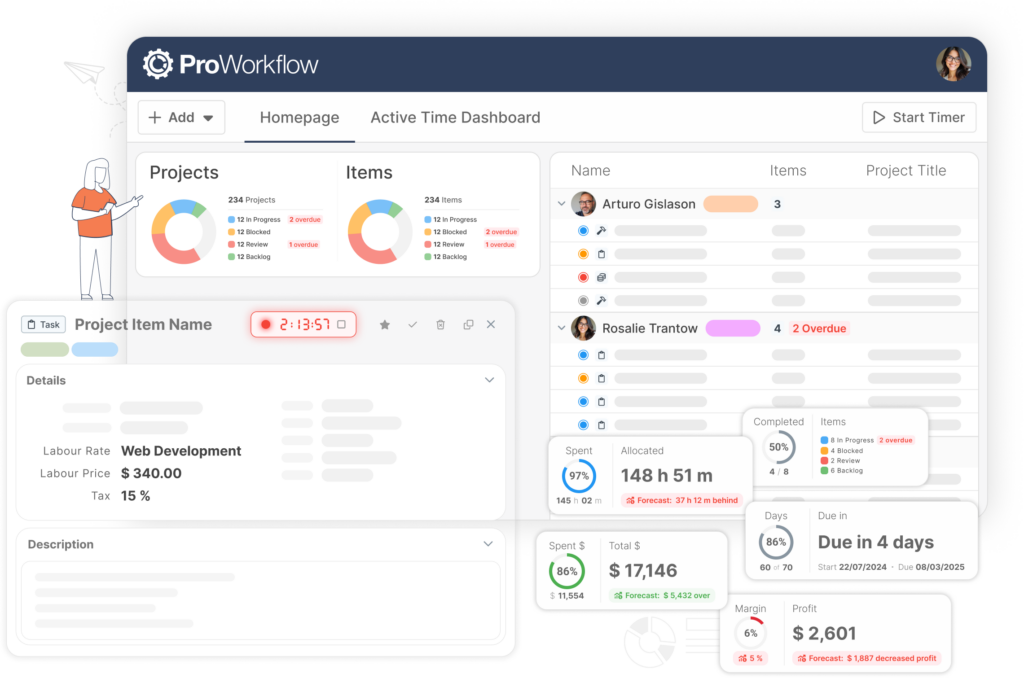
Clever dashboards keep projects on schedule
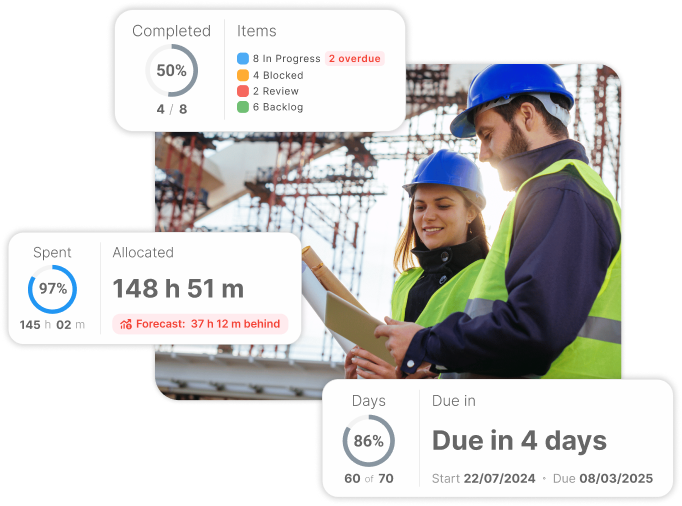
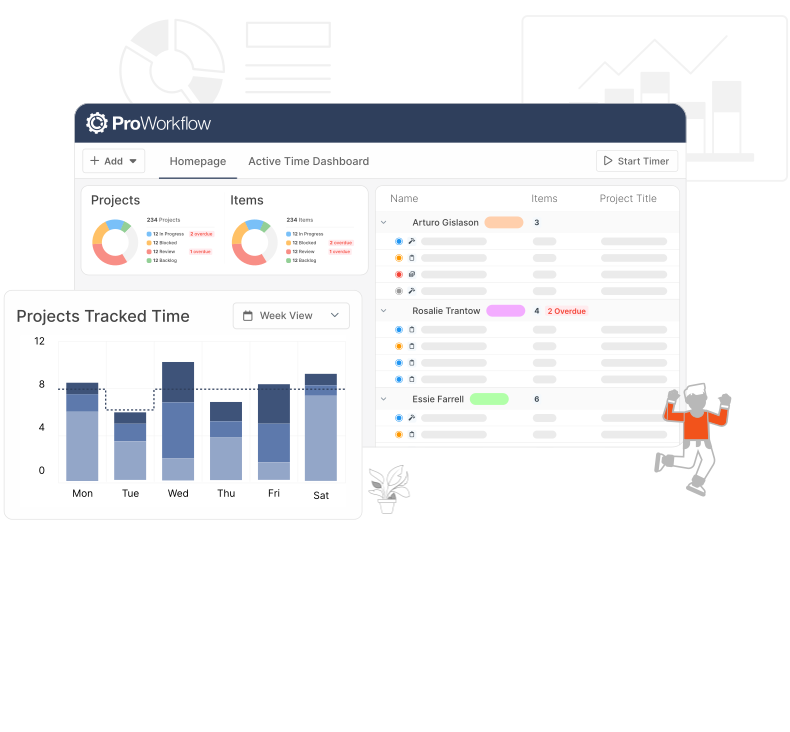
Manage workflows at a glance
Use dashboards to monitor work done and what is scheduled. Admins can view entire company’s work at a glance.
- Color-coding for task and project status
- Easy drag n drop to adjust schedules and manage resources
- Real-time alerts for overdue tasks to ensure deadlines are met
Improve quoting and budget controls
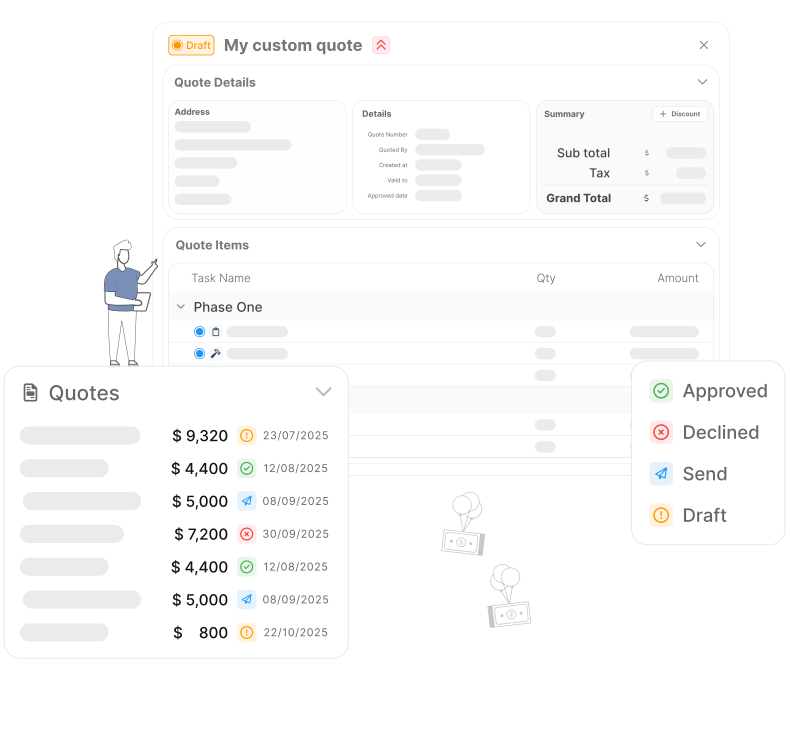
Set a budget with your quote and monitor it in your project
Live updates on budget and profitability allows you to take control of your financial information.
- Easily create projects directly from a quote
- Set up a budget by including estimated work times with item rates
- Project dashboard gives a quick overview of profitability data and budget estimates
Optimize Workload
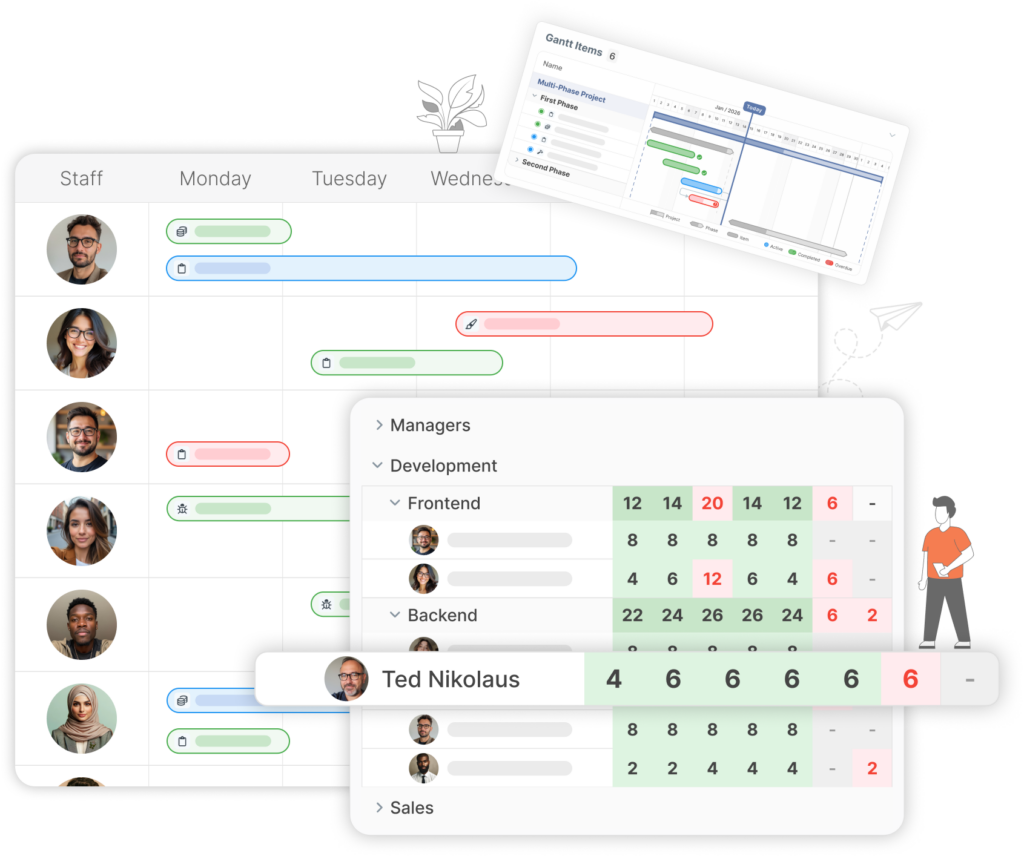
Remain informed and decide how you allocate work to your team
Making team and people management fluid. Allocate stakeholders that match your workload needs, and improve project productivity.
- Use the Gantt Chart to schedule out and edit your resources
- Weekly Workload App: Provides a comprehensive preview of the upcoming week’s workload
- Availability Checker App: Quickly determine the availability of team members for task assignments.
- Assign roles to different users and user types to manage and control access to the system and projects effectively.
Monitor KPIs on ProWorkflow
Access data through on ProWorkflow where you can monitor your KPIs
Keep track of your most crucial metrics, maintain focus on personal, team, and organizational goals. Stay on top of deadlines with real-time alerts.
- Project list and project details pages give quick summary data on project progress
- The homepage offers a straightforward overview of projects, tasks, activities, and tracked time
- All data is live, so up to date information will show on your account as changes are made
- Generate and schedule reports from our library and customize them to reflect the data you want to see
Frequently Asked
Engineering
Questions
What makes ProWorkflow good engineering project management software (not just “another task tool”)?
Can ProWorkflow help engineering teams control budgets and profitability from quoting through delivery?
We run engineering projects but also deliver IT work—does ProWorkflow support both?
It can. ProWorkflow’s IT Organisations page emphasises flexible delivery views (Gantt/Kanban), templates, file management, and strong data-security messaging (Azure hosting, ISO27001, GDPR, and 2FA controls)—useful if your engineering team overlaps with technical delivery and client compliance needs
Can I trial ProWorkflow for engineering teams before committing?
Yes — ProWorkflow promotes a free trial with no credit card and cancel anytime on the engineering page.
Where can I compare ProWorkflow pricing for engineering project management?
The pricing page outlines per-user plans, billing options (monthly/annual), and plan differences—so engineering teams can pick the level of control and support they need.
How does time tracking help engineering teams improve job costing and delivery accuracy?
ProWorkflow’s Time Tracking is designed to capture time at the task level (desktop + mobile), improve cost visibility, and support more accurate billing/estimating—including linking tracked time to invoicing workflows and clearer reporting.
Is there proof ProWorkflow improves delivery efficiency and reporting?
In the Delvinia case study, they report centralising project work in ProWorkflow helped them manage ~25–30% more projects per month, and they call out integrated time tracking + easy reporting for better estimates and client reporting.