
Streamlined
Project Workflow
Keep your teams on track and within budget by managing project details, communication, files, and invoicing in one centralized platform.
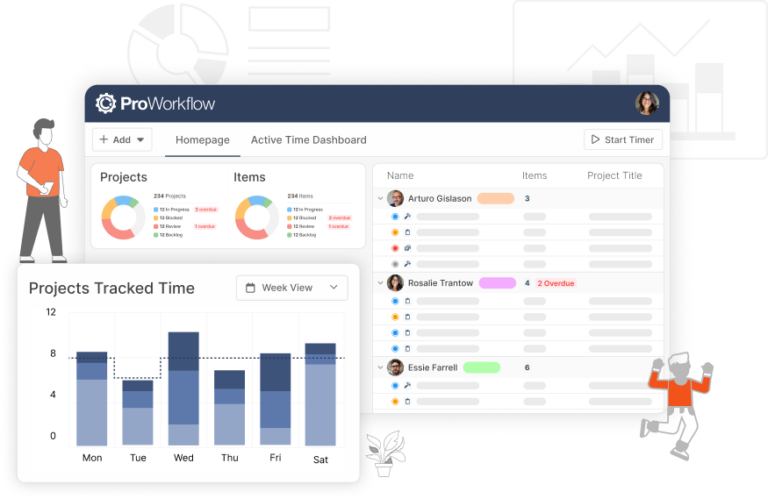
Clever dashboards keep projects on schedule
Manage workflows at a glance
- Color-coded for easy planning
- Interactive widgets to check progress
- All overdue projects and tasks highlighted
- Time tracked history shows productivity
ISO Certified
- No credit card
- Free 30-day trial
- Cancel anytime
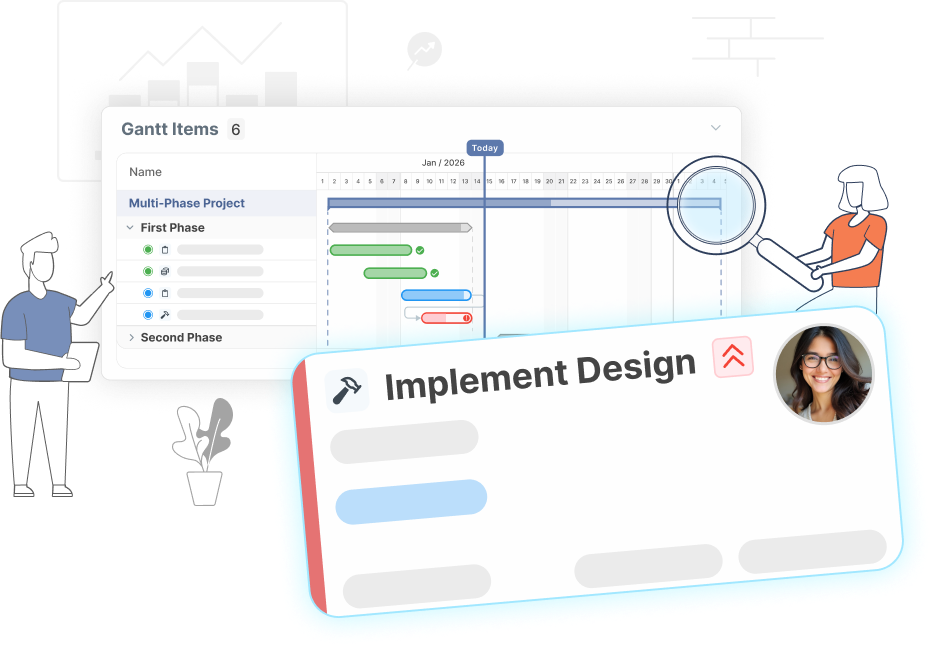
Views for every project type
Gantt charts – Kanban boards – ready-made templates
Regardless of your project management methodology different views and easy drag-and-drop make it quick to rearrange tasks to accommodate shifting priorities.
- Lead the way with Gantt charts or Kanban boards
- Customize templates and streamline everything from projects to invoices
- A sophisticated file manager ensures your team, clients, and contractors are all on the same page
- Comprehensive reporting keeps projects on budget and on time
Save time. Simple!
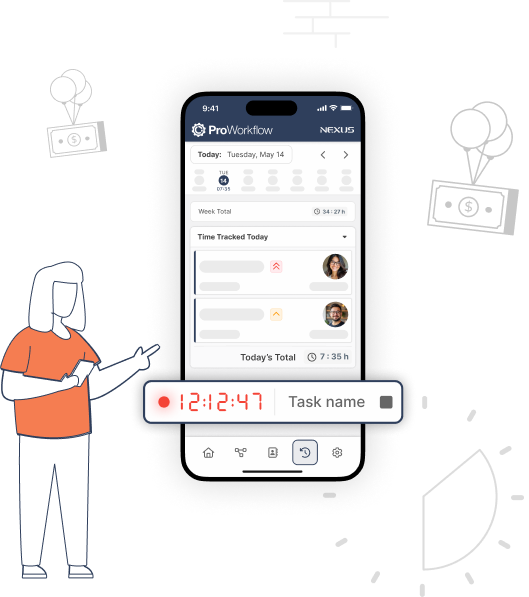
Time tracking and time saving boosts profitability
- Workload reports show time spent on tasks for better workload management
- Repetitive timesheet entries are eliminated through various input tools
- Drag-and-drop makes it easy to rearrange time entries
There is a reason teams love ProWorkflow
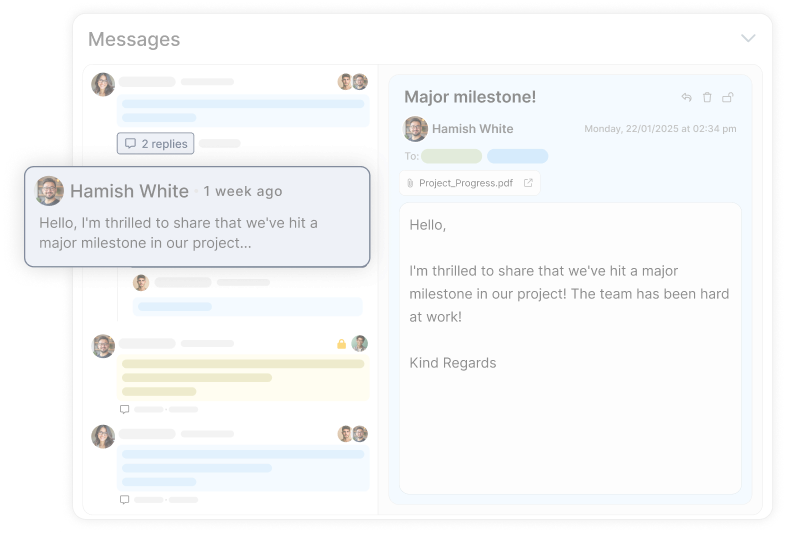
Built-in collaborative tools foster a stronger team through effective communication
Communicate directly with your team, clients, and contractors in one central space.
Read case studies
Read about how ProWorkflow is enabling its customers to achieve more in their businesses with streamlined workflows
Frequently Asked
Project Management Questions
What does ProWorkflow’s project management software actually help you control day-to-day?
Does ProWorkflow support Gantt charts, Kanban boards, and templates for different project styles?
How does time tracking fit into project management in ProWorkflow?
Time tracking plugs directly into project workflow so you can see where time is going, manage workloads, and improve profitability—without bolting on a separate tracker. ProWorkflow ties time tracking to reporting and day-to-day project progress, with multiple ways to record time (including live tracking and mobile/desktop options).
Can I try ProWorkflow for project management without paying upfront?
Yes—ProWorkflow offers a free 30-day trial, no credit card required, and you can cancel anytime.
How much does ProWorkflow cost for project management teams?
Pricing is published on the ProWorkflow pricing page, with monthly vs annual options and plan comparisons. They also note free onboarding with a ProWorkflow expert.
How do architecture firms use ProWorkflow to manage projects and deadlines?
ProWorkflow positions architecture teams around visual planning (Gantt/Kanban), live updates to prevent overdue work, and resource allocation based on availability—useful when projects have shifting timelines and lots of dependencies.
Let’s talk streamlined workflow
Let’s talk financial reporting tools
ProWorkflow is ISO27001 certified and GDPR compliant.
We conduct more than 30,000 secure task, project and financial updates every day for over 5,000 companies. Your data is safe with us.